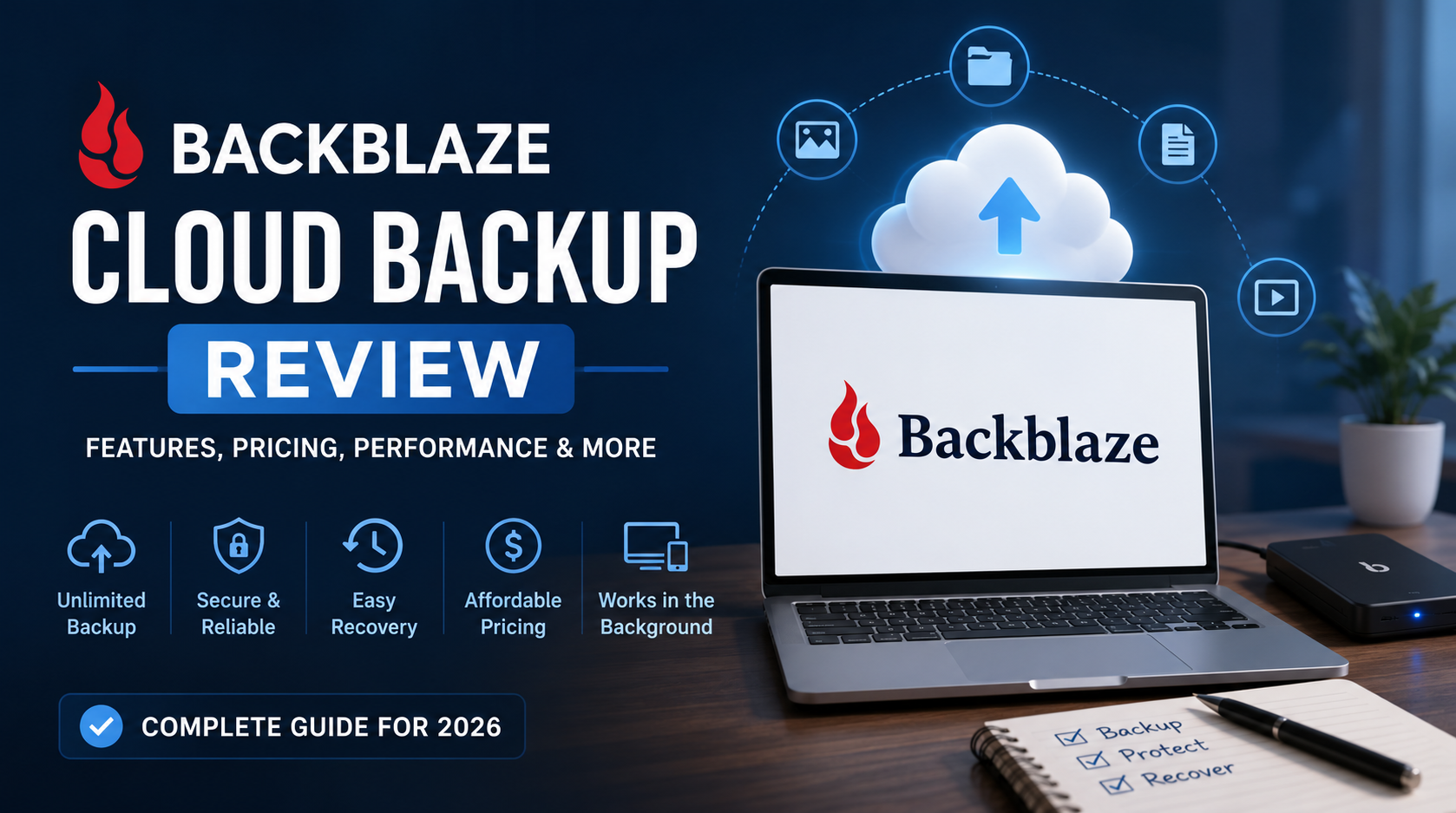

In this expert Backblaze Review, discover how this easy-to-use cloud backup service delivers unlimited storage, strong security, and affordable pricing for everyday users.
Backblaze Review – Reliable Unlimited Cloud Backup Made Simple
Cloud backup is no longer a luxury in today’s digital-first world. It’s a necessity. With ransomware threats, hardware failures, and human error on the rise, having a dependable backup solution is essential. In this Backblaze Review, we take a deep dive into one of the most straightforward and affordable cloud backup services on the market.
Backblaze has long marketed itself as a “set-it-and-forget-it” backup solution for individuals and small businesses. But does its simplicity come at the cost of flexibility or power? Let’s explore what makes Backblaze stand out—and where it may fall short.
Overview
Founded in 2007, Backblaze has carved a reputation for offering unlimited cloud backup at a fixed, highly competitive price. It’s designed for users who don’t want to manually manage backup folders or worry about storage limits. Once installed, Backblaze works quietly in the background, automatically backing up your data with minimal input.
In this Backblaze Review, we assess performance, usability, pricing, features, support, and how it stacks up against competing services like iDrive and Carbonite.
Pricing and Plans
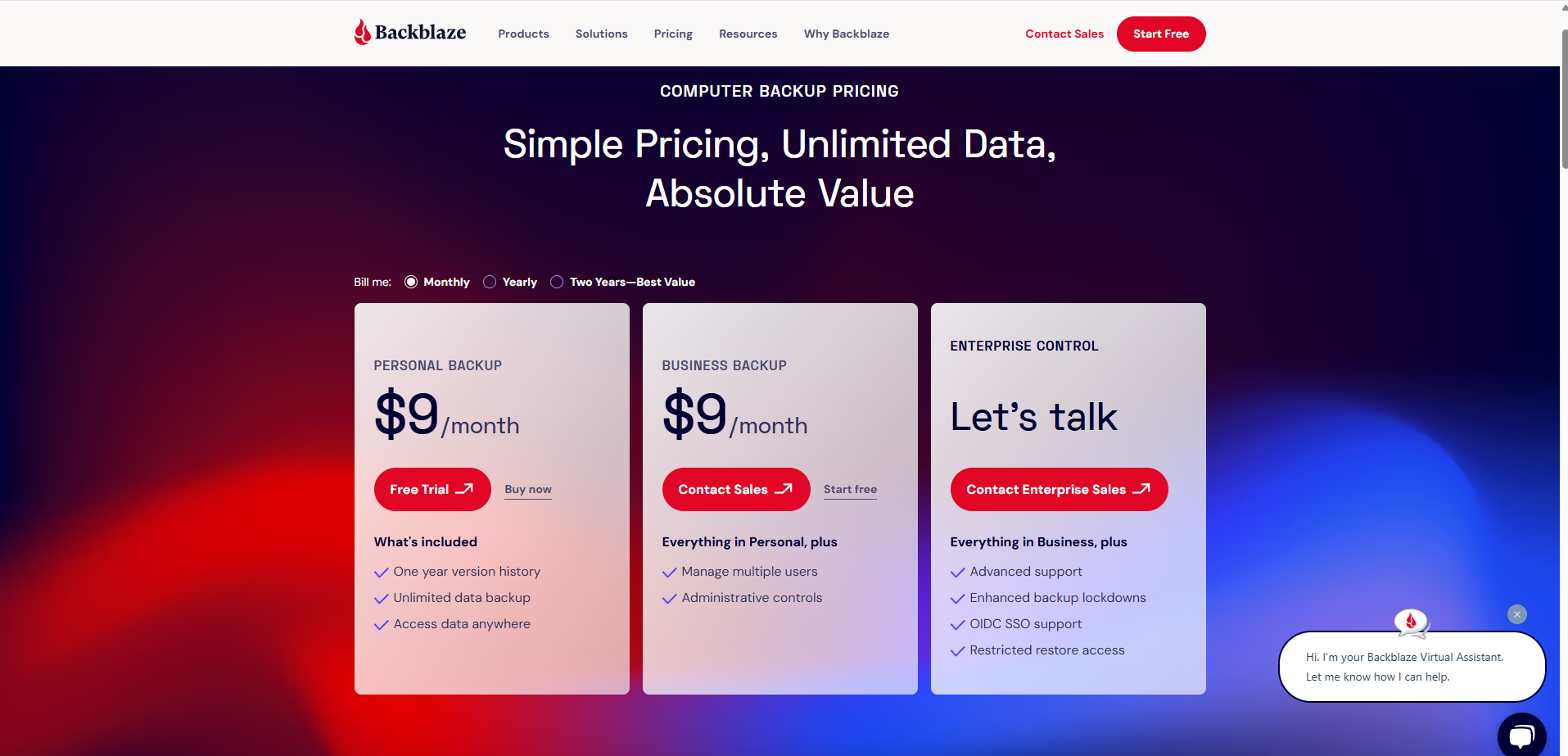
Backblaze keeps things refreshingly simple:
-
$9/month
-
$99/year
-
$189 for 2 years
Each subscription covers one computer with unlimited data. That’s it. There are no confusing tiers, data caps, or hidden fees. You also get access to external drive backups and multiple restore options at no extra charge.
While this one-device-per-license model might be limiting for some, it also eliminates the complexity found in many competitor plans.
Features
Unlimited Backup
Backblaze’s biggest selling point is unlimited backup. It automatically backs up documents, photos, music, videos, and more. You don’t have to manually select folders or worry about running out of space.
External Drive Backup
Backblaze also supports external USB drives, provided they’re connected at least once every 30 days. This is a handy feature for photographers and media professionals with large libraries.
Backup Automation
There’s minimal configuration required. The software runs in the background, uploading changes incrementally. You can throttle speeds if needed, but otherwise, it’s fire-and-forget.
Restore Options
Backblaze offers several restore methods:
-
Web download (free, up to 500GB per restore)
-
USB flash drive (up to 256GB for $99)
-
External hard drive (up to 8TB for $189)
Return the shipped drive, and you get a full refund.
Mobile Access
Access your backups from iOS or Android using the mobile app. While it doesn’t back up your mobile device, you can restore files from your cloud backup.
Security and Privacy
Backblaze offers robust security features:
-
TLS/SSL encryption for data in transit
-
128-bit AES encryption for data at rest
-
Option to use a private encryption key, so only you can decrypt your files
Backblaze is also GDPR-compliant and operates data centers in the U.S. with rigorous physical and cyber protections.
One limitation: if you lose your private key, even Backblaze can’t recover your data—a double-edged sword of strong encryption.
Performance
In our tests, Backblaze performed reliably across both Mac and Windows systems. Installation took under five minutes, and the software began backing up immediately with minimal user input.
Backup Speed
Initial backup of 250GB took approximately 20 hours on a 100 Mbps connection. Subsequent backups—thanks to block-level file updates—were nearly instantaneous.
System Impact
Backblaze runs quietly in the background. During backup, CPU usage rarely exceeded 5–8%, and there was no noticeable lag in system performance.
Interface and Usability
The user interface is minimalist—perhaps even too much so. On Windows and macOS, the settings and status window show only essential information: backup status, files backed up, and restore options.
There are no overly complex dashboards, graphs, or metrics. That makes Backblaze ideal for non-technical users but might leave power users wanting more control.
Customer Support
Offers:
-
Email support
-
Live chat (business hours only)
-
Extensive knowledge base and FAQs
Support is responsive and helpful. Most users won’t need to contact them, but it’s reassuring to know there’s human help when needed.
Vs Competitors
Vs iDrive
-
iDrive offers backup for multiple devices and includes sync functionality, but storage is capped (5TB–10TB).
-
Backblaze offers unlimited storage but only supports one device.
Verdict: iDrive is great for users with multiple devices; Backblaze is better for single-computer simplicity.
Vs Carbonite
-
Carbonite offers similar unlimited backup but lacks the same value and simplicity. Some plans exclude video files or external drive support.
-
Backblaze includes more features at a lower price point.
Verdict: Backblaze wins on transparency, ease of use, and total cost.
Pros and Cons
Pros
-
Truly unlimited backup
-
Simple pricing structure
-
Easy to install and forget
-
Supports external drives
-
Strong encryption and privacy
-
Restore by mail with refund option
Cons
-
One computer per subscription
-
No file syncing or sharing features
-
Not ideal for users needing advanced controls or NAS backups (unless using B2)
Ideal For
This review finds the service best suited for:
-
Individuals with one primary computer
-
Freelancers, students, and content creators
-
Users who prefer simplicity over complexity
-
People with large photo/video libraries
If you’re managing teams or need multi-device support, iDrive or Google Workspace might be better fits. But if you need reliable, low-maintenance personal backup, Backblaze is nearly unbeatable.
The Verdict
Earns high marks for doing exactly what it promises—and doing it well.
It’s not flashy, it doesn’t have bells and whistles like file sync or team collaboration tools. But if your only priority is keeping your data safe, without micromanagement or overpaying.
For users who value unlimited cloud backup, automation, and straightforward pricing, it’s one of the best solutions available today.
Final Scorecard
| Category | Score |
|---|---|
| Ease of Use | 9.5/10 |
| Performance | 9/10 |
| Pricing | 10/10 |
| Features | 8.5/10 |
| Security | 9/10 |
| Customer Support | 8.5/10 |
| Overall | 9.1/10 |
Should You Use ?
✅ Use it if:
-
You want unlimited backup without worrying about settings
-
You’re backing up one computer and want automation
-
You prioritize simplicity and value
❌ Skip it if:
-
You need multi-device support under one plan
-
You want integrated file syncing, sharing, or mobile backup
Bottom line: Is the best cloud backup solution for individuals who want unlimited, secure, and hands-off backup at a low cost. It may not be feature-rich, but it’s certainly future-proof.
👉 Visit EsApplication.com to read more expert reviews and get your exclusive NitroPack deal today.
Start optimizing your website’s performance and give your visitors the blazing-fast experience they deserve!