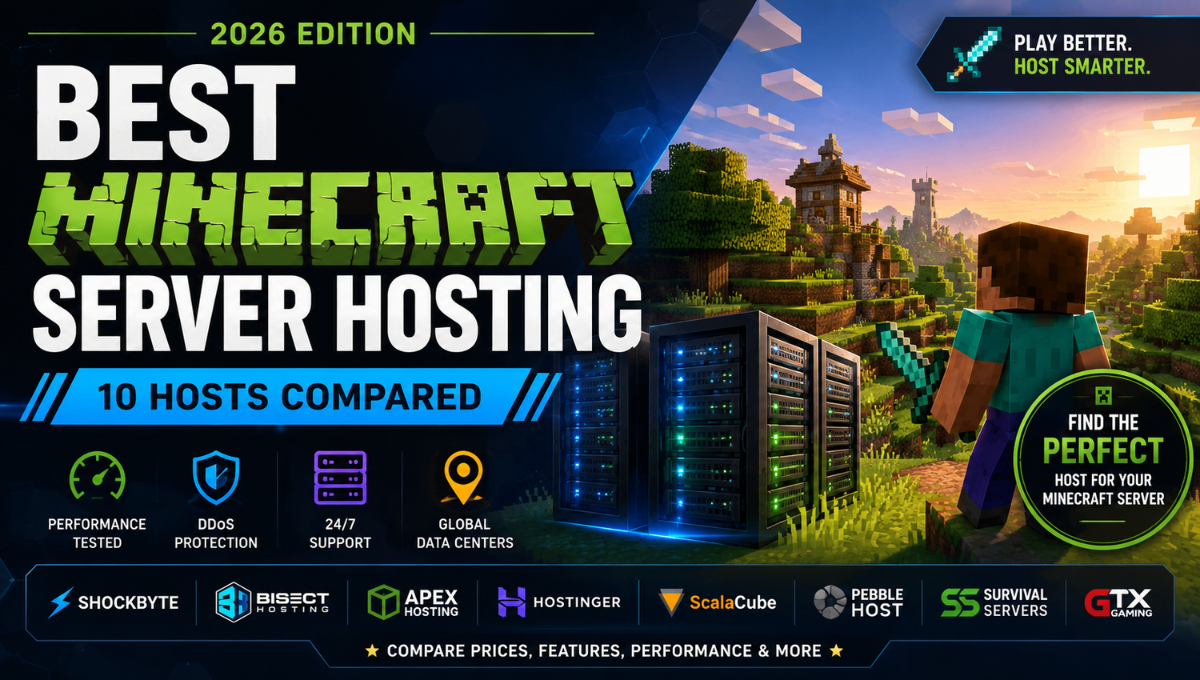
Finding the best Minecraft server hosting in 2026 isn’t simply a matter of choosing the provider with the cheapest plan or the largest amount of RAM.
Minecraft server performance depends on a combination of CPU performance, memory, storage, network quality, server location, mods, plugins, world complexity, and how well the hosting environment is configured.
The right provider also depends on what you’re building.
A private Vanilla world for a few friends has very different requirements from a public SMP server, a heavily modded Minecraft community, or a large server with dozens of plugins.
To help narrow down the options, we’ve compared 10 of the best Minecraft hosting providers based on performance, pricing, scalability, mod support, control panels, server locations, DDoS protection, backups, and overall ease of use.
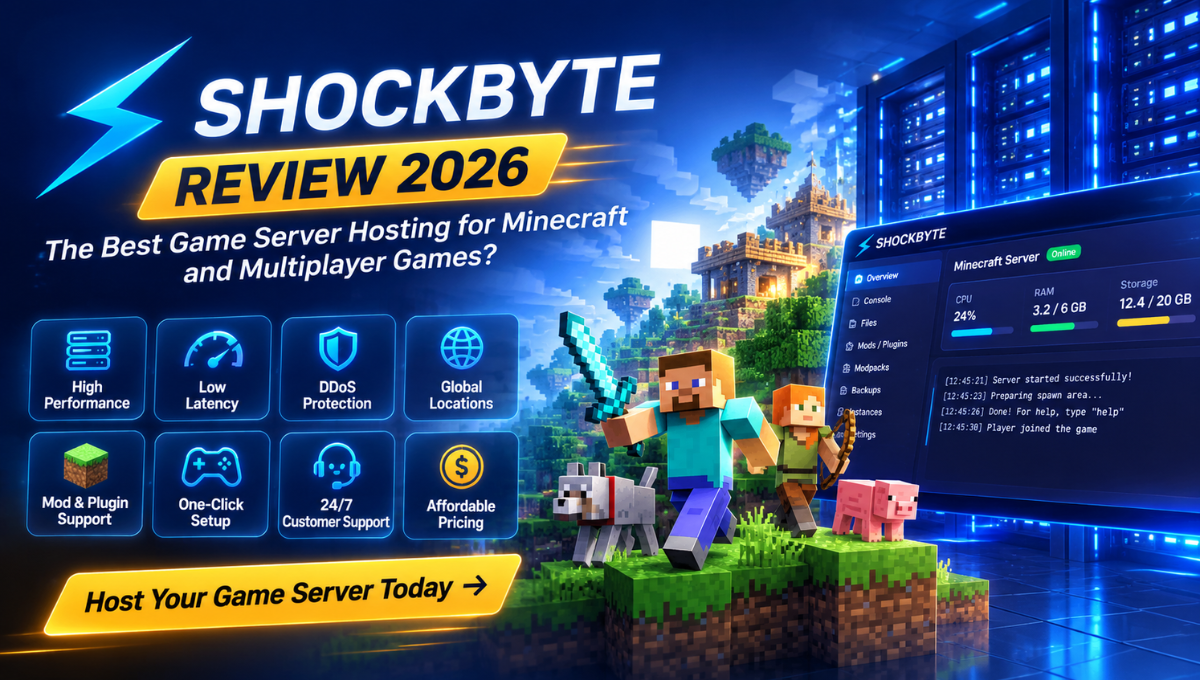
Our overall pick for 2026 is Shockbyte, thanks to its combination of Minecraft-specific features, flexible server configurations, mod and plugin support, and scalability.
But it isn’t the best option for everyone.
BisectHosting is particularly compelling for modpacks, Apex Hosting is an excellent choice for users who prioritize support, while Hostinger provides a different VPS-based approach for users who want more control.
Here’s how the top providers compare.
Best Minecraft Server Hosting 2026: Our Top Picks
If you don’t want to read the entire comparison, these are our recommendations:
| Rank | Minecraft Host | Best For | Our Rating |
|---|---|---|---|
| 1 | Shockbyte | Best Overall | 4.8/5 |
| 2 | BisectHosting | Best for Modpacks | 4.7/5 |
| 3 | Apex Hosting | Best for Support | 4.7/5 |
| 4 | Hostinger | Best VPS-Based Option | 4.6/5 |
| 5 | Nodecraft | Best for Multiple Games | 4.5/5 |
| 6 | ScalaCube | Best Beginner-Friendly Alternative | 4.5/5 |
| 7 | PebbleHost | Best Budget Alternative | 4.5/5 |
| 8 | Sparked Host | Best for Low-Cost Performance | 4.4/5 |
| 9 | GGServers | Best for Simplicity | 4.3/5 |
| 10 | Host Havoc | Best for Established Communities | 4.3/5 |
Our Overall Winner: Shockbyte
For most users, Shockbyte is our pick for the best Minecraft server hosting in 2026.
It combines a wide selection of server configurations with Java and Bedrock support, mods, plugins, modpacks, DDoS protection, and Minecraft-specific server-management tools.
However, the differences between the top three are relatively small.
If modpacks are your main priority, look closely at BisectHosting. If support and beginner-friendliness matter more, Apex Hosting deserves serious consideration.
1. Shockbyte — Best Minecraft Server Hosting Overall
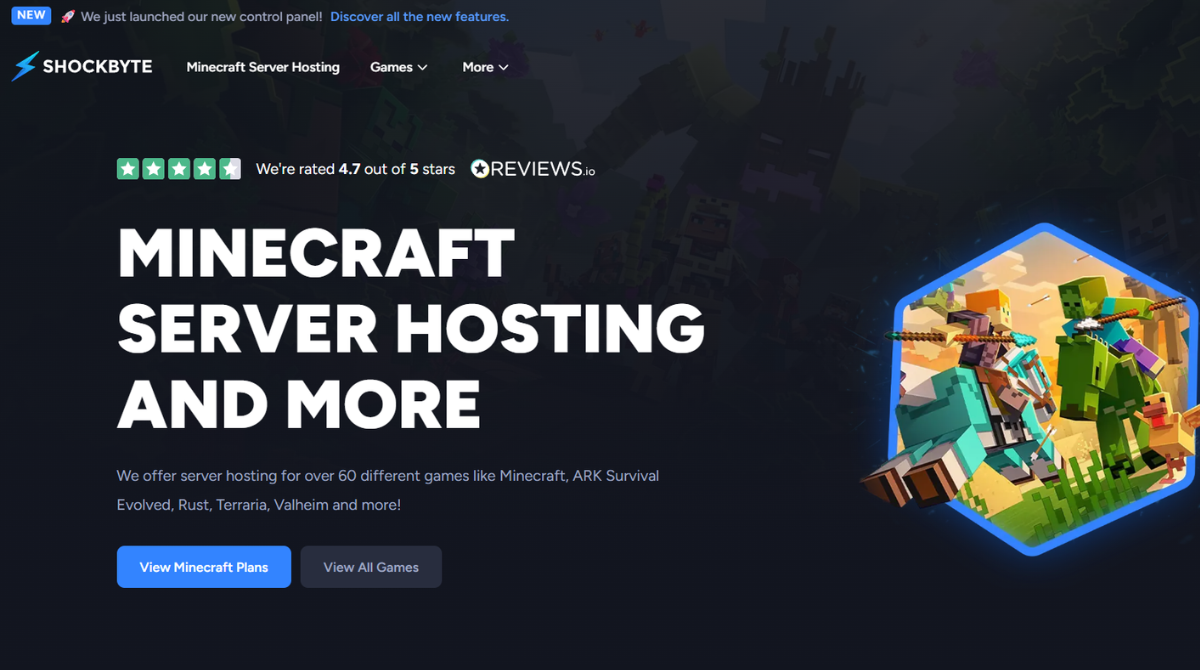
Rating: 4.8/5
Best for: Overall Minecraft hosting, growing servers, customization, Vanilla and modded Minecraft.
Shockbyte takes our #1 position because it offers one of the most balanced packages among the best Minecraft server hosting providers.
Rather than specializing in only one type of customer, Shockbyte can accommodate everything from small private Vanilla worlds to modded servers and significantly larger Minecraft communities.
One of its biggest strengths is plan flexibility.
Shockbyte offers numerous RAM configurations, allowing customers to scale their servers more gradually instead of making large jumps between tiers.
That’s useful because Minecraft servers rarely stay exactly the same.
You may begin with a Vanilla world for a few friends, add plugins later, experiment with a modpack, or eventually turn the server into a larger community.
Why We Chose Shockbyte
Shockbyte provides many of the features we’d expect from a modern Minecraft host, including:
- Java and Bedrock support
- Mods and plugins
- Modpack installation
- DDoS protection
- Multiple server locations
- Server-management tools
- Real-time console
- Backups
- Server Instances
- Flexible RAM configurations
- Larger custom server options
Its control panel is particularly important.
Instead of requiring users to manually manage everything through command lines and raw configuration files, Shockbyte provides a game-focused interface for managing core server functions.
Mods, Plugins and Modpacks
Shockbyte is also a strong choice for players interested in customization.
Support for plugins, mods, and popular modpack ecosystems makes it suitable for users who want more than a basic Vanilla Minecraft experience.
This is one reason we consider Shockbyte one of the strongest options for both Minecraft Java server hosting and modded Minecraft.
Server Instances
Server Instances is another useful feature.
It allows users to maintain different server environments, which can be valuable if you frequently experiment with different Minecraft versions or configurations.
For example, you could maintain one Vanilla environment and another modded configuration rather than treating your hosting account as one permanent server setup.
Shockbyte Pros
- Excellent plan flexibility
- Strong Minecraft specialization
- Java and Bedrock support
- Mods, plugins, and modpacks
- Modern server-management tools
- Server Instances
- DDoS protection
- Multiple locations
- Suitable for small and larger servers
- Good upgrade path
Shockbyte Cons
- Its refund window is relatively short
- Choosing between many RAM tiers can initially confuse beginners
- Additional options can affect the final cost
- Apex may appeal more to users who put support above flexibility
Who Should Choose Shockbyte?
Shockbyte makes the most sense if you want a Minecraft host that can grow with your server.
It’s particularly attractive for users who expect to add plugins, experiment with mods, switch server configurations, or increase resources later.
Verdict: For its balance of flexibility, Minecraft-specific features, customization, and scalability, Shockbyte is our Best Overall Minecraft Server Hosting provider for 2026.
Check Shockbyte Plans & Current Pricing →
2. BisectHosting — Best Minecraft Hosting for Modpacks
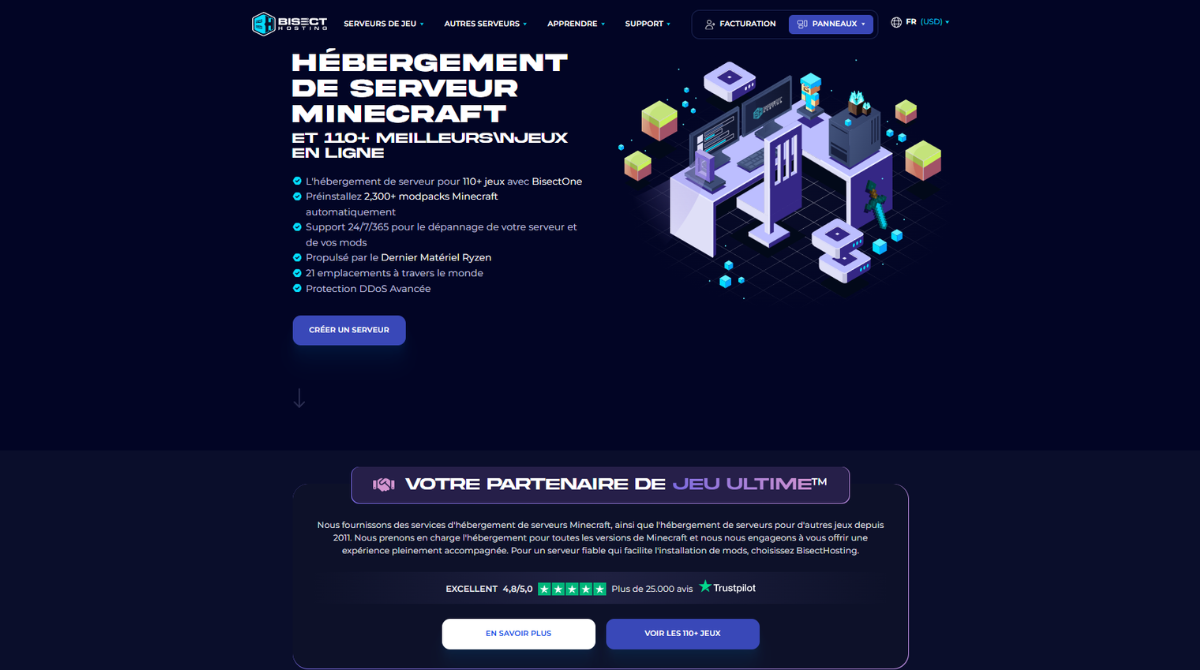
Rating: 4.7/5
Best for: Modpacks, modded Minecraft, and users who frequently change games.
BisectHosting is one of Shockbyte’s strongest competitors and an excellent option for heavily customized Minecraft servers.
Its biggest strength is the breadth of its modding ecosystem.
BisectHosting advertises automated modpack installations, extensive plugin support, multiple worldwide locations, DDoS protection, backups, instance management, FTP access, and live performance metrics.
Why We Like BisectHosting
- Strong modpack support
- Plugin integration
- NVMe storage
- DDoS protection
- Configurable backups
- Instance management
- Full FTP access
- Performance monitoring
- 24/7 support
- Game swapping
BisectHosting Pros
- Excellent modpack support
- Strong plugin ecosystem
- Multiple worldwide locations
- Modern control panel
- DDoS protection
- Backups
- Game swapping
- Experienced support
BisectHosting Cons
- Extensive options can feel overwhelming
- Some advanced features may be unnecessary for simple Vanilla servers
- Final cost depends on configuration and options
Verdict: If your main priority is best modded Minecraft server hosting, BisectHosting is one of the first alternatives we’d consider.
3. Apex Hosting — Best for Support and Beginners
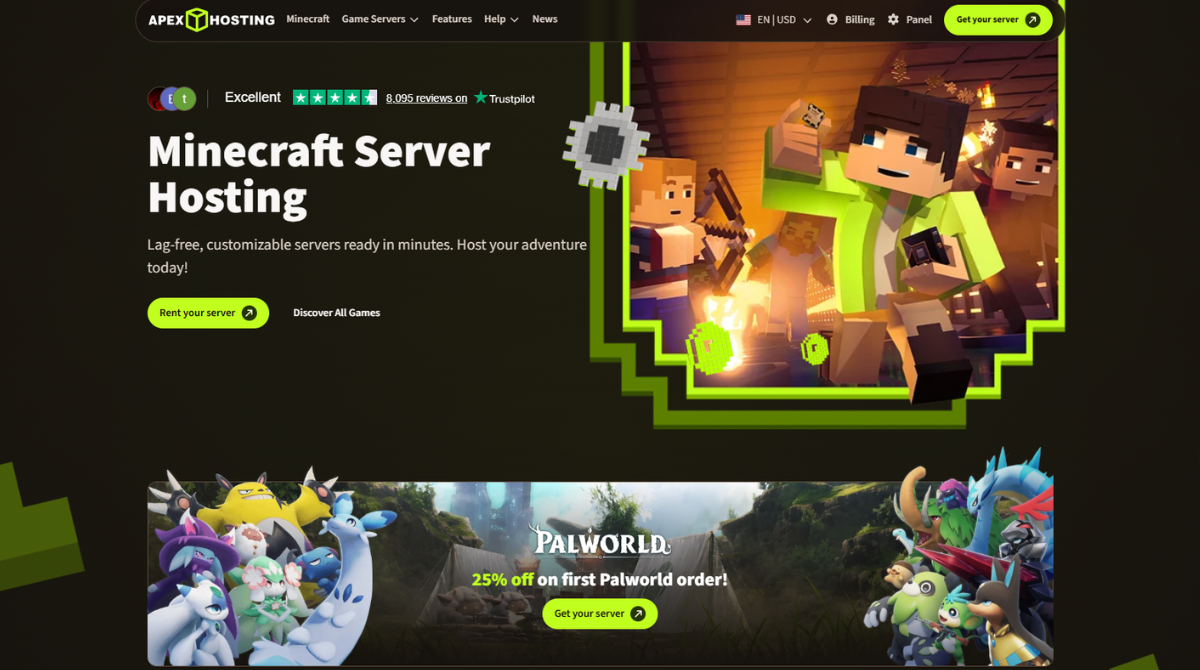
Rating: 4.7/5
Best for: Beginners, support-focused customers, and polished Minecraft hosting.
Apex Hosting came very close to taking our top position.
It has built its service heavily around Minecraft and provides a polished hosting environment suitable for users who don’t want to deal with the complexity of configuring a server from scratch.
Apex offers support for plugins, mods, modpacks, server transfers, and multiple Minecraft configurations.
Where Apex Hosting Stands Out
The biggest reason to choose Apex over Shockbyte isn’t necessarily performance.
It’s the overall support-oriented experience.
For someone setting up their first server, access to good documentation and responsive assistance can matter as much as raw server specifications.
Apex also offers a longer refund window than Shockbyte, giving new users more time to evaluate the service.
Apex Hosting Pros
- Excellent for beginners
- Strong support experience
- Minecraft specialization
- Mod and plugin support
- Global hosting footprint
- Premium server options
- Longer refund window than Shockbyte
- Polished server-management experience
Apex Hosting Cons
- Shockbyte offers greater plan granularity
- Premium options can become expensive
- Shockbyte has an edge for some server-management use cases
Verdict: Apex Hosting is our preferred choice for users who value support and beginner-friendliness above maximum plan flexibility.
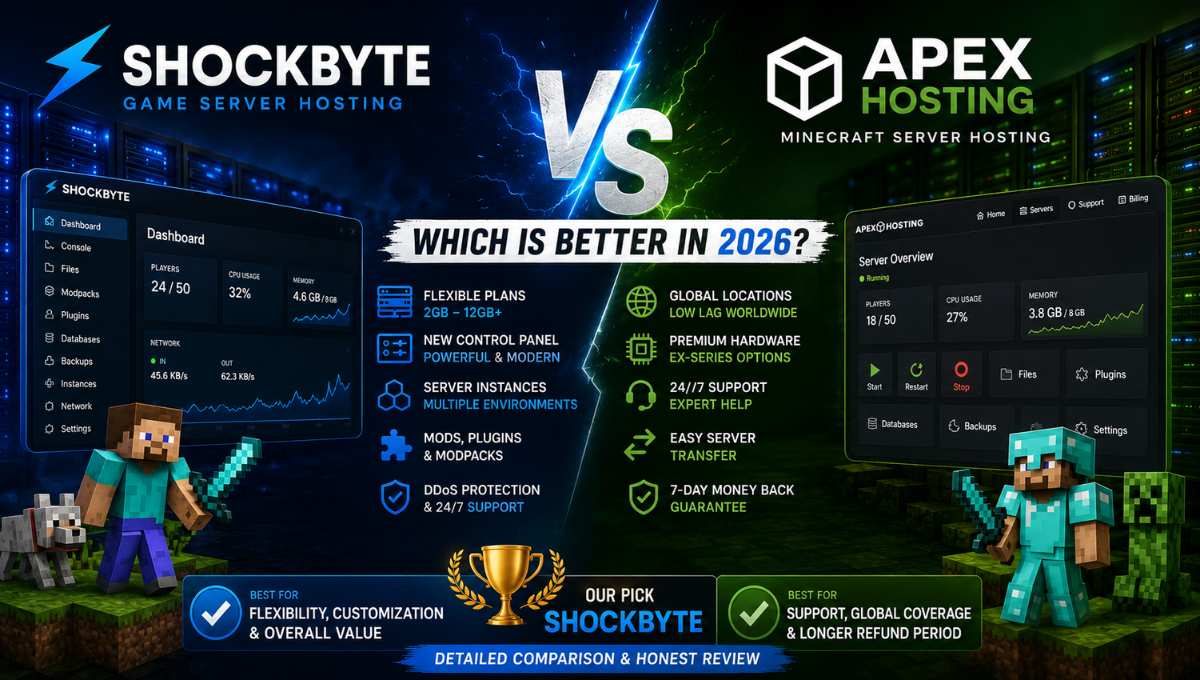
For a detailed head-to-head comparison, read our Shockbyte vs Apex Hosting: Which Is Better in 2026?
4. Hostinger — Best VPS-Based Minecraft Hosting
Rating: 4.6/5
Best for: Users who want more server control and VPS-style resources.
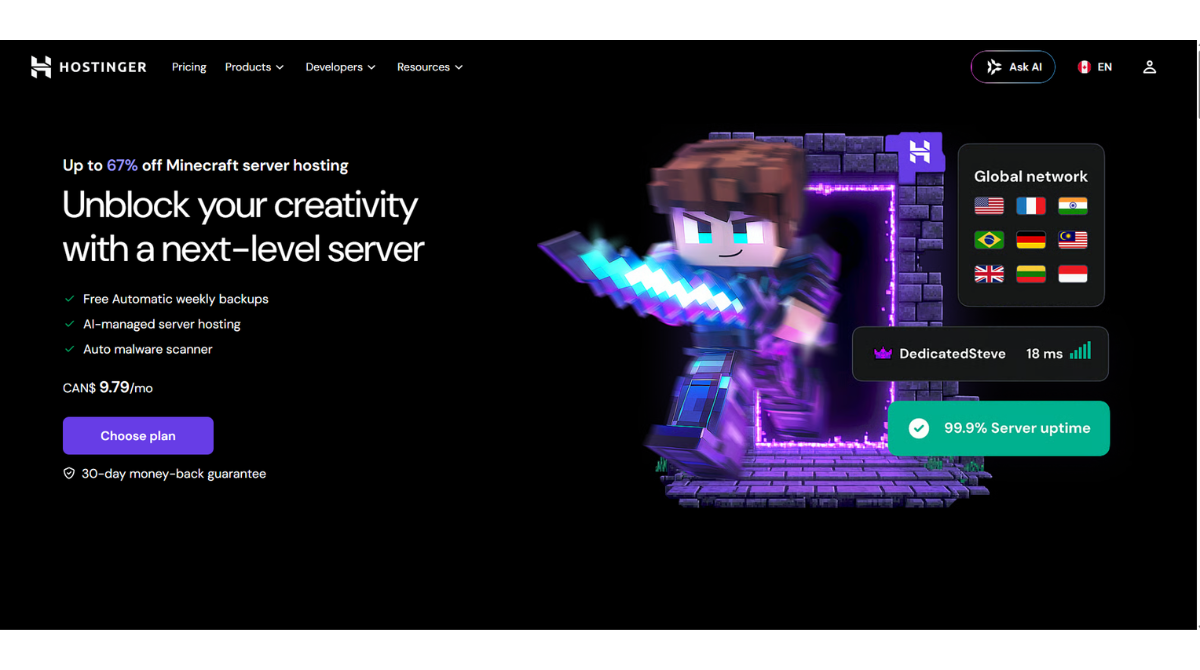
Hostinger approaches Minecraft server hosting somewhat differently from traditional managed game hosts.
Its Minecraft product is based around VPS resources combined with a Game Panel.
This makes Hostinger particularly appealing to more technical users who want greater control over their server environment.
Why Choose Hostinger?
- VPS-style server resources
- Full root access
- AMD EPYC infrastructure
- NVMe storage
- DDoS protection
- Weekly backups
- Mod support
- Large resource configurations
- Global infrastructure
Hostinger Pros
- Full root access
- Modern server hardware
- NVMe storage
- DDoS protection
- Weekly backups
- Mod support
- Large resource configurations
- Global infrastructure
Hostinger Cons
- Less specialized than a pure Minecraft host
- VPS-style management may be unnecessary for casual players
- Promotional pricing may require longer commitments
Verdict: Hostinger is our preferred option for users who want Minecraft hosting with more VPS-level control.
5. Nodecraft — Best for Multiple Games
Rating: 4.5/5
Best for: Players who don’t exclusively play Minecraft.
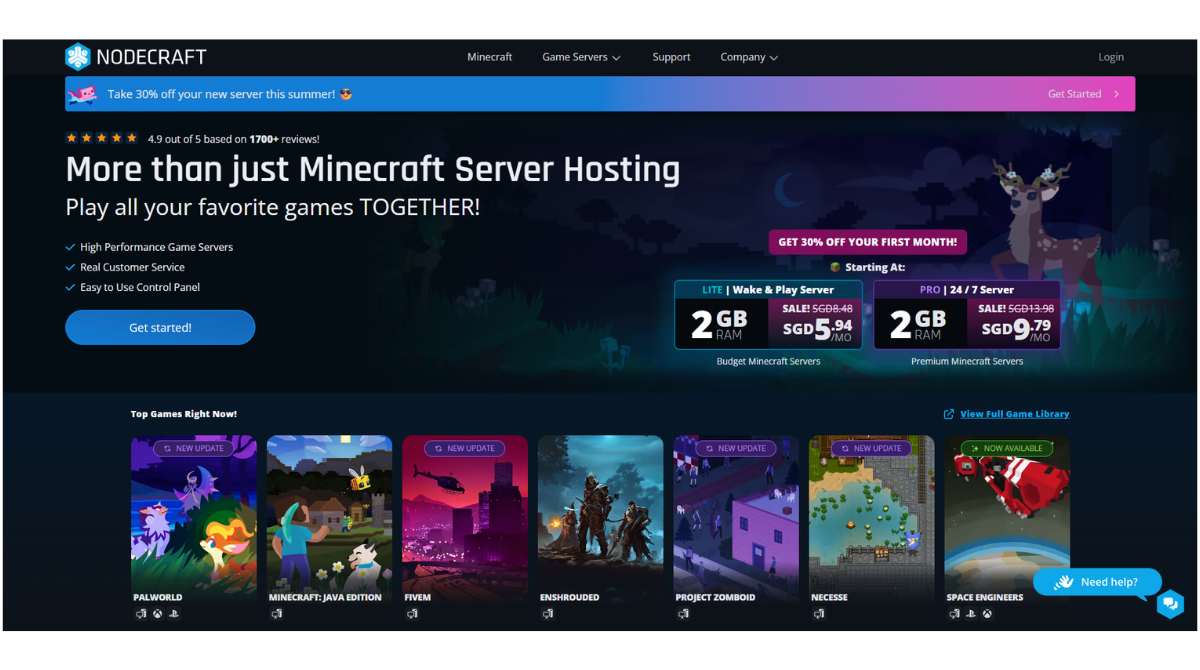
Nodecraft is an interesting option if Minecraft isn’t the only game you want to host.
Its platform focuses on making it easier to move server resources between supported games rather than requiring customers to maintain separate hosting subscriptions for every title.
This makes Nodecraft less compelling for someone who only wants the cheapest Minecraft server possible, but more interesting for gaming groups that regularly switch games.
Nodecraft Pros
- Multi-game focus
- User-friendly management
- Good option for gaming groups
- Flexible server usage
- Minecraft support
- Game-focused infrastructure
Nodecraft Cons
- Not necessarily the cheapest option for Minecraft alone
- Some Minecraft-only users won’t benefit from its multi-game flexibility
Verdict: Consider Nodecraft if your community plays Minecraft plus multiple other games.
6. ScalaCube — Best Beginner-Friendly Alternative
Rating: 4.5/5
Best for: Beginners looking for straightforward Minecraft hosting.
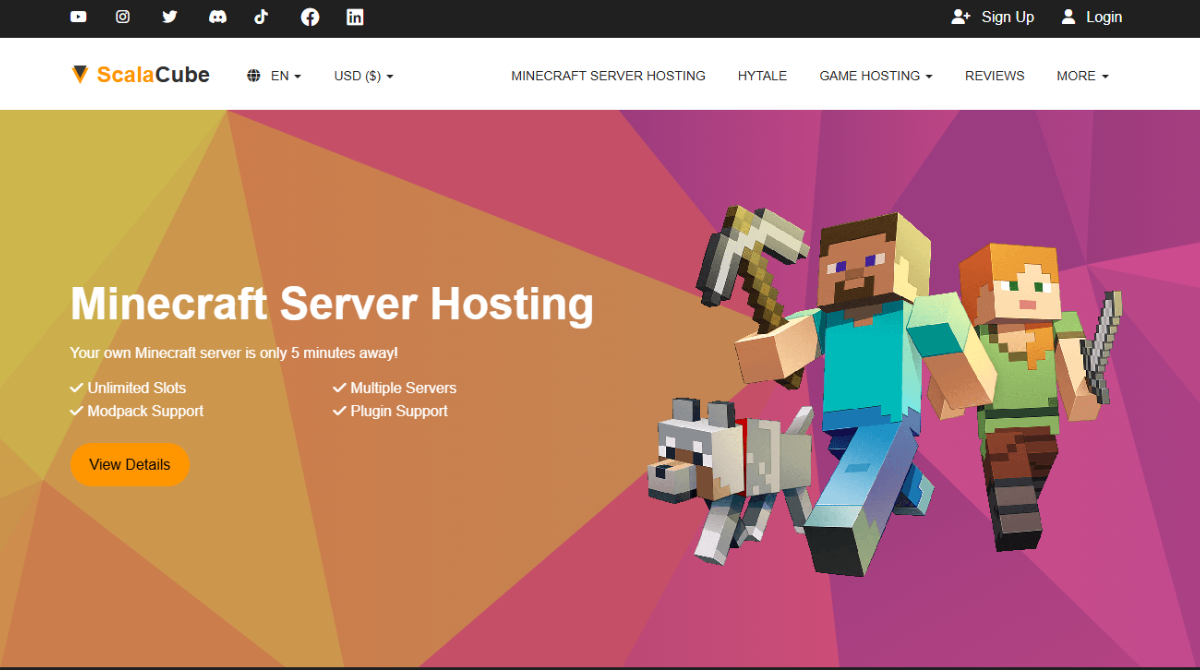
ScalaCube provides another beginner-oriented alternative.
Its Minecraft hosting environment includes instant setup, plugin support, modpack installation, custom JAR support, backups, file access, MySQL, and DDoS protection.
ScalaCube Pros
- Low entry pricing
- Instant setup
- Modpack support
- Plugin support
- Custom JAR support
- Backups
- DDoS protection
- Beginner-friendly management
ScalaCube Cons
- Pricing and configuration require careful comparison
- Advanced users may prefer more specialized alternatives
- Shockbyte and BisectHosting offer stronger overall ecosystems for our use cases
Verdict: ScalaCube is a good alternative for users looking for accessible Minecraft hosting for beginners.
7. PebbleHost — Best Cheap Minecraft Server Hosting Alternative
Rating: 4.5/5
Best for: Budget-conscious Minecraft players.
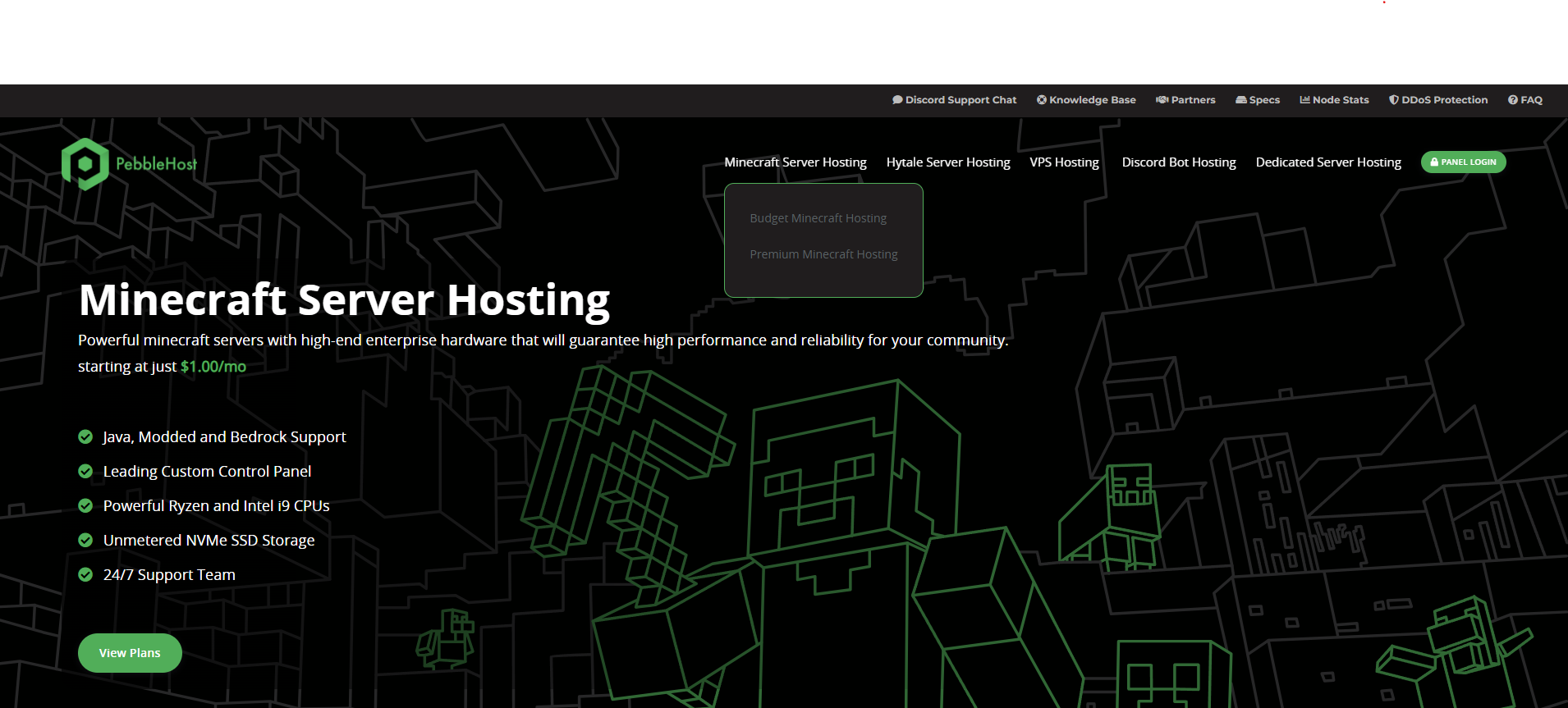
If your main priority is cost, PebbleHost deserves attention.
It offers budget-oriented Minecraft hosting alongside higher-performance configurations for users who need more resources.
PebbleHost Pros
- Extremely competitive budget pricing
- Modern hardware options
- NVMe storage
- Strong backup functionality
- Modpack installer
- Unlimited slots on selected plans
- Multiple server locations
PebbleHost Cons
- Multiple hosting tiers make direct price comparison harder
- Cheapest plans aren’t necessarily equivalent to premium plans
- Beginners need to understand the differences between configurations
Verdict: PebbleHost is one of our strongest candidates for best cheap Minecraft server hosting.
8. Sparked Host — Best for Low-Cost Performance
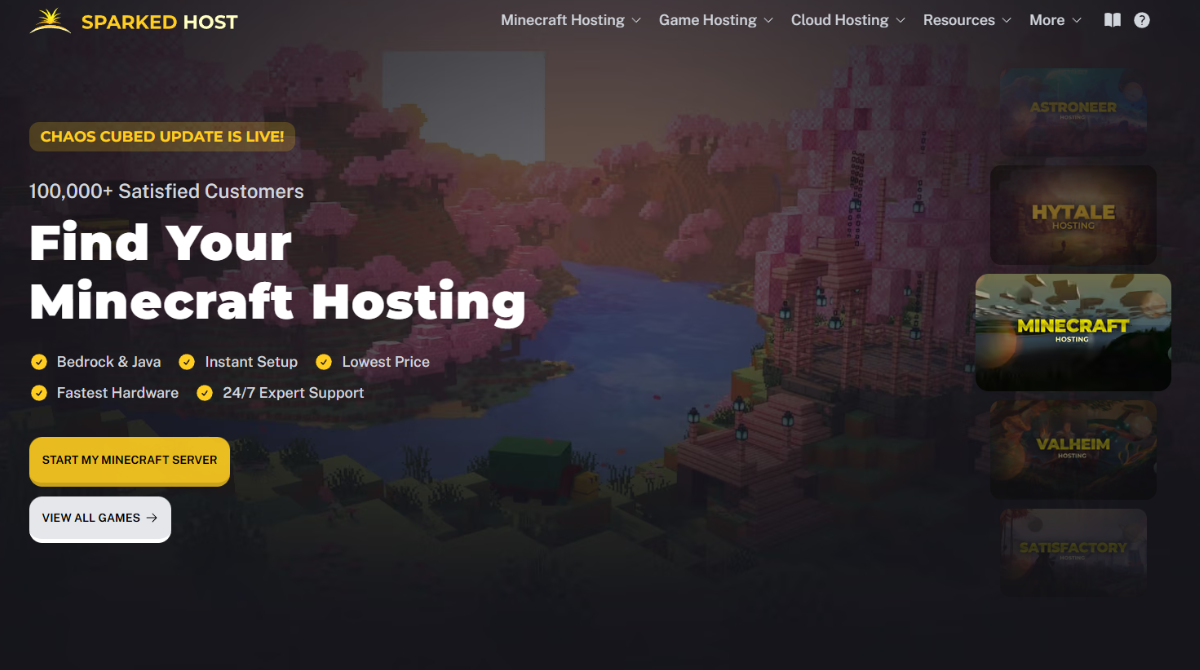
Rating: 4.4/5
Best for: Price-conscious users who still care about performance.
Sparked Host provides multiple hosting tiers designed for different workloads, making it possible to choose between lower-cost hosting and higher-performance configurations.
This makes it interesting for users willing to compare hardware and plan specifications rather than simply choosing the first package available.
Sparked Host Pros
- Competitive pricing
- Multiple performance tiers
- Modded Minecraft support
- Upgrade options
- Suitable for budget-focused users
Sparked Host Cons
- Multiple tiers can make choosing a plan more complicated
- Users need to compare CPU and RAM rather than price alone
Verdict: Sparked Host is worth considering when price-to-performance is your primary concern.
9. GGServers — Best for Simple Minecraft Hosting
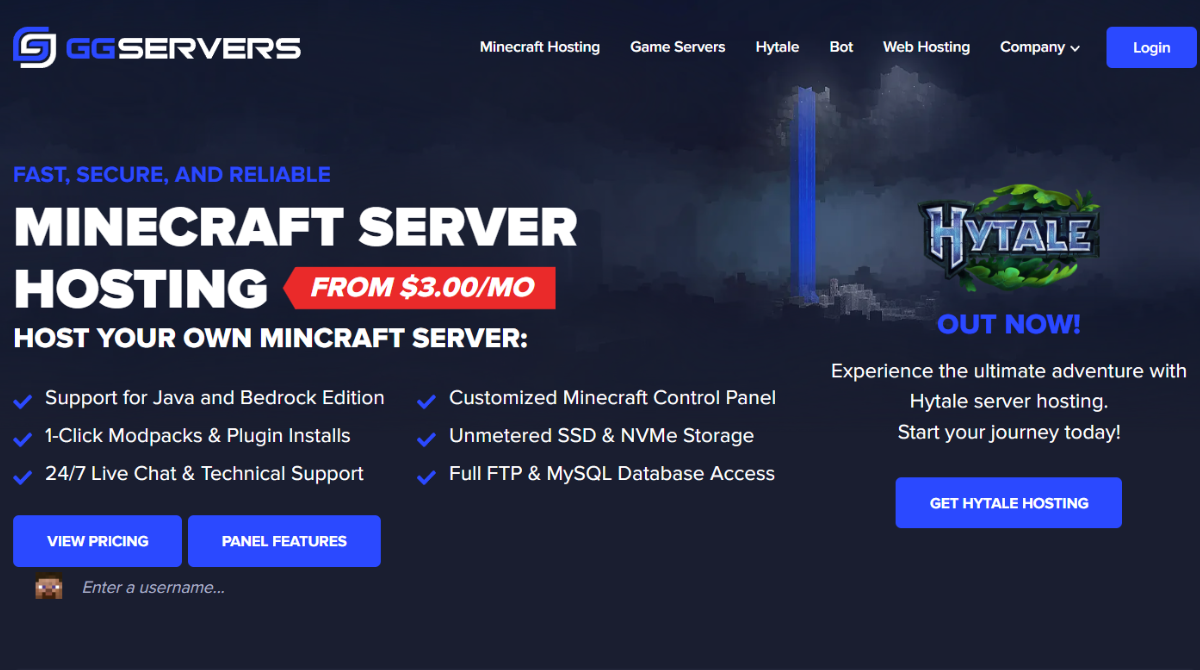
Rating: 4.3/5
Best for: Users who want a straightforward Minecraft hosting experience.
GGServers is another long-standing Minecraft hosting provider.
Its biggest appeal is simplicity.
Instead of targeting users who want to build and manage their own VPS infrastructure, GGServers provides a game-hosting experience aimed at getting a Minecraft server running without unnecessary complexity.
GGServers Pros
- Minecraft-focused
- Beginner-friendly
- Mod and plugin support
- Straightforward server management
- Multiple server configurations
GGServers Cons
- Doesn’t stand out as clearly as our top picks
- Advanced users may prefer providers with more powerful management features
Verdict: GGServers remains a reasonable choice for players who want simple Minecraft server hosting.
10. Host Havoc — Best for Established Game Communities
Rating: 4.3/5
Best for: Users who value game-hosting infrastructure and larger server options.
Host Havoc rounds out our top ten.
Unlike providers that focus heavily on ultra-cheap entry plans, Host Havoc emphasizes performance-oriented game hosting.
It offers a broad range of RAM configurations, NVMe SSD storage, DDoS protection, and support for larger servers.
Host Havoc Pros
- Wide RAM range
- NVMe storage
- Large server configurations
- DDoS protection
- 24/7 support
- Established game-hosting focus
Host Havoc Cons
- More expensive than budget-focused alternatives at some RAM levels
- Small private servers may not need its higher-end positioning
Verdict: Host Havoc is worth considering for established gaming communities that care more about infrastructure than finding the absolute lowest price.
Best Minecraft Hosting Providers Compared
| What You Need | Our Pick |
|---|---|
| Best Minecraft Server Hosting Overall | Shockbyte |
| Best for Modpacks | BisectHosting |
| Best for Beginners & Support | Apex Hosting |
| Best VPS-Based Hosting | Hostinger |
| Best for Multiple Games | Nodecraft |
| Best Beginner Alternative | ScalaCube |
| Best Cheap Minecraft Hosting | PebbleHost |
| Best Low-Cost Performance | Sparked Host |
| Best for Simplicity | GGServers |
| Best for Established Communities | Host Havoc |
The important takeaway is that there is no provider that wins every category.
Your ideal host depends on your server.
How We Chose the Best Minecraft Server Hosting
A common mistake when comparing Minecraft server hosting providers is looking only at RAM.
RAM matters, but it’s only one component of performance.
Performance and CPU
Minecraft can be CPU-intensive.
Chunk generation, entities, Redstone, plugins, mods, and player activity can all place pressure on the processor.
That’s why a server with more RAM isn’t automatically faster than one with less RAM.
RAM and Scalability
RAM still matters, particularly for mods and larger communities.
We favor providers that give users multiple upgrade options instead of forcing them into oversized plans.
Pricing and Overall Value
We consider more than the lowest promotional price.
A cheap server isn’t necessarily better value if another provider offers stronger hardware, better backups, more useful management tools, or better support.
Mods, Plugins and Modpacks
For many users, Minecraft hosting exists specifically because they want more control over their game.
Support for Forge, Fabric, Paper, plugins, modpacks, and custom JARs therefore matters significantly.
Control Panel
Beginners shouldn’t need Linux server administration experience just to launch a Minecraft world.
We favor providers with accessible control panels while still rewarding those that give experienced administrators more control.
Server Locations
Physical distance affects network latency.
A provider with excellent hardware in the wrong region can still produce a worse experience than a slightly less powerful server located near your players.
DDoS Protection and Backups
Public Minecraft servers can be targets for attacks.
DDoS protection is therefore important, while backups protect worlds against corruption, failed updates, broken mods, and administrative mistakes.
Customer Support
Support becomes particularly important for beginners.
The ability to get help with server problems can be worth paying slightly more for.
How Much RAM Do You Need for Minecraft Server Hosting?
There’s no perfect RAM number for every Minecraft server.
But these ranges can serve as general starting points:
| Server Type | Suggested Starting Range |
|---|---|
| Small Vanilla Server | 2–3GB |
| Vanilla + Plugins | 3–4GB+ |
| Growing SMP | 4–6GB+ |
| Lightly Modded | 4–6GB+ |
| Modded Minecraft | 6–8GB+ |
| Large Modpacks | 8GB+ |
| Larger Communities | 8–12GB+ |
| Heavy/Advanced Servers | 12GB+ |
These are guidelines rather than guarantees.
A server’s real requirements depend on:
- Concurrent players
- Minecraft version
- Mods
- Plugins
- Modpacks
- View distance
- Simulation distance
- World size
- Chunk generation
- Entities
- Server configuration
- Player activity
Is 4GB RAM Enough for a Minecraft Server?
For many small-to-medium Vanilla or lightly customized servers, 4GB can be a reasonable starting point.
For large modpacks or heavily customized servers, it may not be enough.
Don’t choose Minecraft hosting based on RAM alone.
CPU performance and server optimization matter too.
Best Minecraft Hosting by Use Case
Best Minecraft Server Hosting Overall: Shockbyte
Shockbyte provides the strongest overall balance for the broadest range of Minecraft users.
Its flexible configurations, mod and plugin support, Minecraft-focused management tools, and upgrade options make it suitable for both beginners and more experienced server owners.
Best Modded Minecraft Server Hosting: BisectHosting
Our Pick: BisectHosting
BisectHosting’s broad modpack and plugin ecosystem makes it particularly compelling for modded environments.
Shockbyte remains a close alternative.
Best Minecraft Hosting for Beginners: Apex Hosting
Our Pick: Apex Hosting
Apex’s polished experience and support-oriented approach make it our preferred option for someone who has never hosted a Minecraft server before.
Shockbyte and ScalaCube are also good beginner options.
Best Cheap Minecraft Server Hosting: PebbleHost
Our Pick: PebbleHost
PebbleHost makes one of the strongest price arguments among the providers in this comparison.
However, always compare budget and premium infrastructure carefully before purchasing.
Best Minecraft Hosting for Small Servers: Shockbyte
Our Pick: Shockbyte
Shockbyte’s granular RAM configurations make it easier to avoid buying significantly more resources than a small private server needs.
Best Minecraft Hosting for Large Servers
For larger communities, we’d shortlist:
- Shockbyte
- BisectHosting
- Hostinger
- Host Havoc
At this level, pay much more attention to CPU allocation, location, backup policy, storage, and technical requirements rather than choosing by brand alone.
Best Minecraft Hosting for Friends
Our Pick: Shockbyte
A small private server generally doesn’t require enterprise-level infrastructure.
Shockbyte’s ability to start with smaller configurations and upgrade later makes it a sensible choice for groups of friends.
Best Minecraft Java Server Hosting
Java Edition provides the richest ecosystem for Minecraft server customization.
If you’re planning to use:
- Forge
- Fabric
- Paper
- Bukkit
- Plugins
- Large modpacks
- Custom JARs
you should prioritize providers with strong file access and modding support.
Our top Java choices are:
- Shockbyte
- BisectHosting
- Apex Hosting
For the broadest balance of features and flexibility, Shockbyte is our Best Minecraft Java Server Hosting pick.
Best Minecraft Bedrock Server Hosting
Bedrock is particularly useful for communities playing across phones, tablets, Windows PCs, and compatible consoles.
Not every feature available to Java servers works exactly the same way on Bedrock, so make sure your host explicitly supports the edition you intend to run.
For users wanting a straightforward combination of Java and Bedrock support, Shockbyte is one of our preferred options.
Minecraft Server Hosting vs Self-Hosting
You don’t technically need to pay a hosting company to run Minecraft.
You can host a server yourself.
But there are trade-offs.
| Professional Minecraft Hosting | Self-Hosting |
|---|---|
| Designed for 24/7 availability | Your computer must remain available |
| DDoS protection commonly included | Security is your responsibility |
| Datacenter network | Home internet connection |
| Control panel | More manual configuration |
| Technical support | DIY troubleshooting |
| Easier upgrades | Limited by your hardware |
| Remote management | Depends on your setup |
Self-hosting can be excellent for experimenting or playing casually with a few friends.
For a persistent public community, professional Minecraft server hosting is usually more convenient.
Free vs Paid Minecraft Server Hosting
Free hosting can be tempting.
And for experimentation, there’s nothing inherently wrong with it.
But free servers commonly involve trade-offs such as:
- Limited resources
- Server sleep
- Queues
- Restricted customization
- Limited storage
- Fewer locations
- Reduced performance consistency
Paid hosting makes more sense once uptime, customization, performance, and server management become important.
You don’t necessarily need an expensive plan.
A small paid server can be enough for a private community.
What to Look for Before Buying Minecraft Server Hosting
1. CPU
Don’t judge performance solely by RAM.
Look at the processor generation and resource allocation where that information is available.
2. Server Location
Choose a location reasonably close to the majority of your players.
3. Java or Bedrock
Make sure your host supports the Minecraft edition you intend to run.
4. Mods and Plugins
If customization matters, check Forge, Fabric, Paper, plugin, and modpack support before paying.
5. Backups
Find out:
- Whether backups are included
- How many are retained
- Whether restoration is easy
- Whether additional backups cost extra
6. DDoS Protection
This is particularly important for public communities.
7. Renewal Pricing
Don’t judge a host based only on an introductory promotion.
Check what you’ll pay after the promotional period.
8. Refund Policy
A longer refund period gives you more time to determine whether performance meets your needs.
9. Upgrade Options
Your server may grow.
A provider should make it reasonably easy to add resources.
10. Support
Beginners should place greater weight on support than experienced server administrators.
Which Minecraft Server Host Should You Choose?
There’s no universal winner for every Minecraft server.
If you want the strongest overall balance, choose Shockbyte.
If modpacks are your biggest priority, consider BisectHosting.
If you’re a beginner who prioritizes support, Apex Hosting is an excellent alternative.
If you want VPS-style control and root access, Hostinger is more appropriate.
If you want extremely inexpensive Minecraft hosting, PebbleHost deserves consideration.
And if your community frequently switches between multiple games, look at Nodecraft or BisectHosting.
Final Verdict: What Is the Best Minecraft Server Hosting in 2026?
Shockbyte — Best Overall
Our Rating: 4.8/5
Shockbyte doesn’t win every individual category.
That’s important.
BisectHosting has an extremely strong modpack ecosystem. Apex Hosting makes a compelling case for support-focused beginners. Hostinger gives technical users more VPS control. And PebbleHost is difficult to ignore when budget is the primary consideration.
But when we look at the complete package, Shockbyte provides the balance we think will suit the broadest range of Minecraft server owners.
Its strengths include:
- Flexible RAM configurations
- Java and Bedrock support
- Mods and plugins
- Modpacks
- Server-management tools
- Server Instances
- DDoS protection
- Multiple locations
- Small-to-large server options
- Clear upgrade path
That combination makes it suitable for someone starting a private Minecraft server today while still providing room to grow into a larger or more customized environment later.
Our Final Rankings
1. Shockbyte — 4.8/5 — Best Overall
2. BisectHosting — 4.7/5 — Best for Modpacks
3. Apex Hosting — 4.7/5 — Best for Support
4. Hostinger — 4.6/5 — Best VPS-Based Option
5. Nodecraft — 4.5/5 — Best for Multiple Games
6. ScalaCube — 4.5/5 — Best Beginner Alternative
7. PebbleHost — 4.5/5 — Best Budget Alternative
8. Sparked Host — 4.4/5 — Best Low-Cost Performance
9. GGServers — 4.3/5 — Best for Simplicity
10. Host Havoc — 4.3/5 — Best for Established Communities
Our Recommendation
If you want a Minecraft host with a strong balance of pricing flexibility, customization, server-management tools, and scalability, Shockbyte is our #1 choice for 2026.
Check Shockbyte Plans & Current Pricing →
Frequently Asked Questions About Minecraft Server Hosting
What Is the Best Minecraft Server Hosting in 2026?
Our overall choice is Shockbyte because it provides a strong combination of plan flexibility, Minecraft-specific features, mod and plugin support, server-management tools, and scalability.
However, BisectHosting, Apex Hosting, and Hostinger may be better choices for specific use cases.
What Is the Best Cheap Minecraft Server Hosting?
PebbleHost is one of our strongest budget choices, while Shockbyte also provides lower-cost options for smaller servers.
Don’t compare providers purely by their cheapest advertised price. Hardware, CPU allocation, storage, backups, and support can differ significantly between budget and premium tiers.
What Is the Best Modded Minecraft Server Hosting?
BisectHosting is our specialist pick for modpacks.
Shockbyte is our preferred alternative and remains an excellent choice for users who want both modded and general Minecraft hosting.
Which Minecraft Hosting Is Best for Beginners?
We give Apex Hosting a slight advantage for support-focused beginners.
Shockbyte is another excellent choice, particularly for beginners who want a platform they can continue using as their server becomes more advanced.
How Much Does Minecraft Server Hosting Cost?
Minecraft hosting can range from only a few dollars per month for small budget servers to tens or even hundreds of dollars for large, resource-intensive configurations.
The final cost depends on RAM, CPU allocation, storage, server location, billing period, and included features.
How Much RAM Do I Need for a Minecraft Server?
Small Vanilla servers can often start around 2–3GB, while servers with plugins may benefit from 3–4GB or more.
Modded Minecraft may require 6–8GB+, and large modpacks or communities can require considerably more.
Treat these as starting estimates rather than guarantees.
Is 4GB RAM Enough for Minecraft Hosting?
It can be.
4GB is a reasonable starting point for many modest Vanilla or lightly customized servers.
Large modpacks, high player activity, and heavily customized worlds may require more.
Is Paid Minecraft Hosting Worth It?
For a persistent multiplayer server, usually yes.
Paid hosting typically provides better uptime, dedicated server resources, DDoS protection, remote management, and technical support compared with running a server from your home computer.
Which Is Better: Shockbyte or Apex Hosting?
We give Shockbyte a slight overall advantage because of its plan flexibility, customization, and server-management options.
Apex Hosting remains an excellent alternative, particularly for users who prioritize support and a longer refund window.
What Is the Best Minecraft Hosting for Mods?
Our top choices are BisectHosting and Shockbyte.
BisectHosting has an especially strong modpack ecosystem, while Shockbyte provides an excellent balance between mod support, server management, and general-purpose Minecraft hosting.
What Is the Best Minecraft Hosting for Friends?
For a small group of friends, we prefer Shockbyte because you can start with a relatively small configuration and scale resources as your server becomes more demanding.
You don’t need to purchase a large server from day one.
Want a deeper look at Shockbyte before choosing your Minecraft host?
Read our full Shockbyte Review 2026 for a closer look at its pricing, performance, server hardware, control panel, mods and plugins, server locations, ease of use, customer support, and overall value. It’s a useful next step if you want to understand exactly where Shockbyte performs well, where it falls short, and whether it’s the right fit for your server.
Read Our Full Shockbyte Review 2026 →