This Softr review explores features, pricing, use cases, pros and cons, and alternatives to help you decide if Softr is the right no-code platform in 2026.
Introduction

The no-code movement has matured significantly over the last few years. What started as simple landing-page builders has evolved into platforms capable of powering internal tools, client portals, marketplaces, and full web applications. In , businesses increasingly expect no-code tools to handle real data, user permissions, and scalable workflows, not just static websites.
Softr operates squarely in this evolved category. Rather than positioning itself as a generic website builder, Softr focuses on turning structured data into functional, role-based web applications. It bridges the gap between spreadsheets or databases and polished front-end experiences.
In this Softr review, we take an in-depth, objective look at how the platform works, what it does well, where it falls short, and whether it makes sense for modern teams building data-driven tools without code.
🔍 What Is Softr?
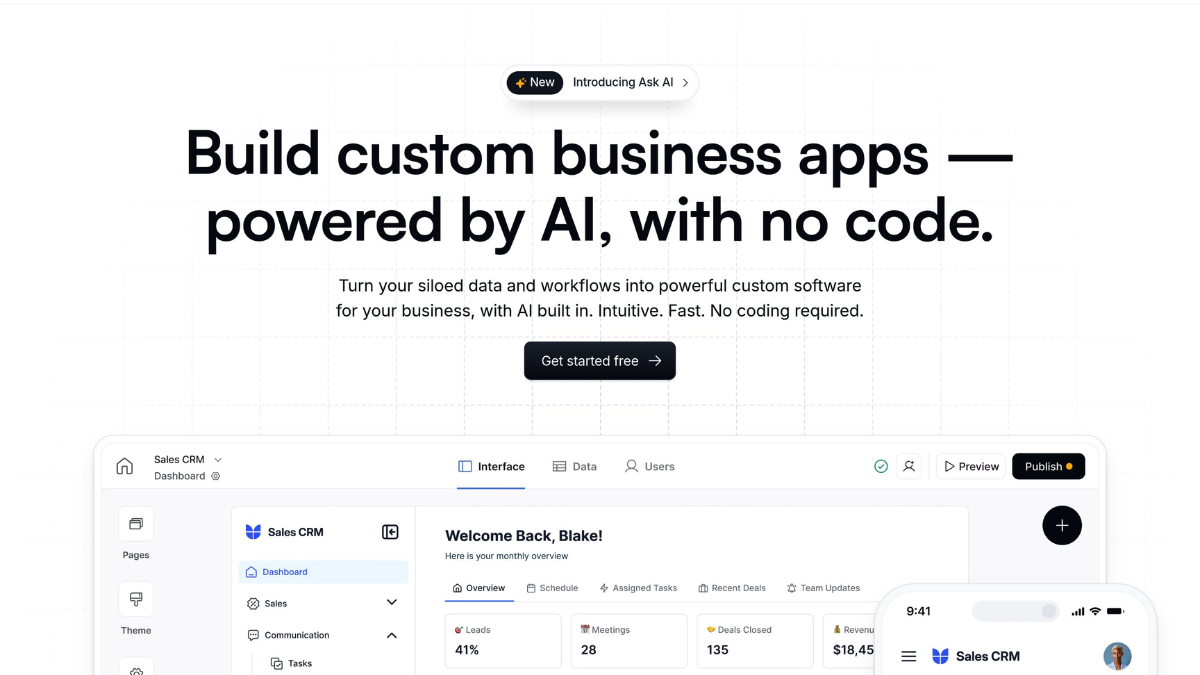
Softr is a no-code web application builder that allows users to create responsive websites, portals, and internal tools powered by live data sources. Instead of designing pages first and connecting data later, Softr is built around the idea that data is the foundation of the application.
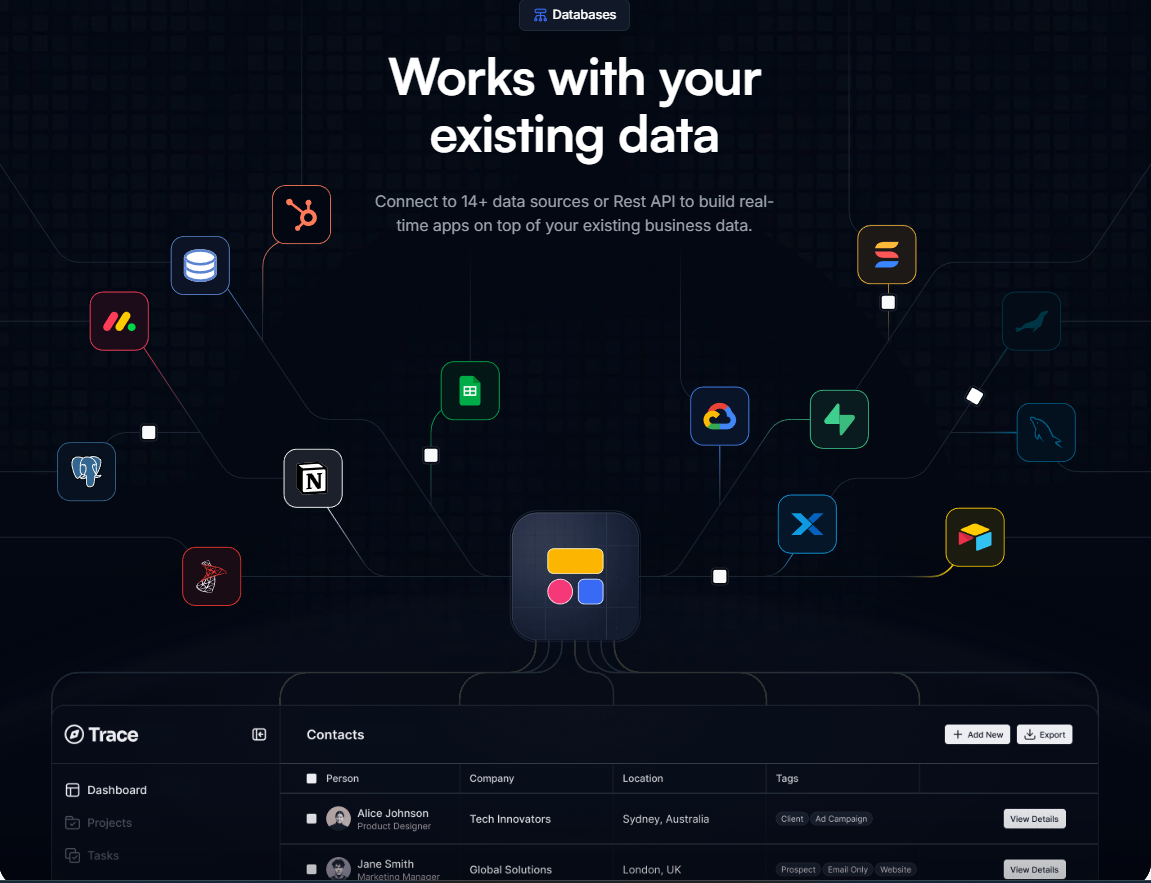
Users typically connect Softr to data sources such as Airtable, Google Sheets, or databases, then use pre-built blocks to display, filter, and interact with that data through a web interface. The result is a front-end application that looks and behaves like custom software, without requiring traditional development.
In the broader market, Softr positions itself between simple website builders and full no-code app platforms. It emphasizes speed, structure, and user access control rather than complex logic or heavy backend customization.
⚙️ How the Platform Works
Softr’s architecture is designed around three core layers: data, interface blocks, and access logic. Understanding this structure is key to understanding what the platform is best at.
Data-First Architecture
Softr does not store complex business logic internally. Instead, it relies on external data sources as the “single source of truth.” This approach allows users to keep ownership of their data while using Softr purely as the presentation and interaction layer.
Block-Based UI System
Pages are built using modular blocks such as lists, tables, forms, charts, and detail views. Each block is directly connected to data fields, allowing dynamic filtering, sorting, and conditional visibility.
User Authentication and Permissions
Softr includes built-in authentication, enabling creators to restrict content based on user roles. This makes it possible to build client portals, internal dashboards, or membership-based applications without custom code.
Front-End Focus
Unlike full no-code platforms that attempt to replicate backend logic, Softr focuses on front-end usability and clarity. Complex workflows are often handled via integrations rather than inside Softr itself.
⚙️ Key Features
Visual App Builder
Softr’s editor is designed to be approachable for non-technical users. Pages are assembled visually, with real-time previews and responsive layouts handled automatically.
Data Source Integrations
The platform connects natively with structured data tools such as Airtable and Google Sheets, allowing applications to reflect live updates without manual syncing.
User Roles and Access Control
Creators can define which users see which pages, records, or actions. This is critical for client portals, partner dashboards, and internal tools.
Forms and Data Input
Softr supports form creation tied directly to connected data sources, enabling users to submit, update, or request information through the app.
Templates for Common Use Cases
Pre-built templates help users get started quickly with scenarios like:
-
Client portals
-
Internal tools
-
Resource directories
-
Membership sites
-
Marketplaces
💰 Pricing and Plans
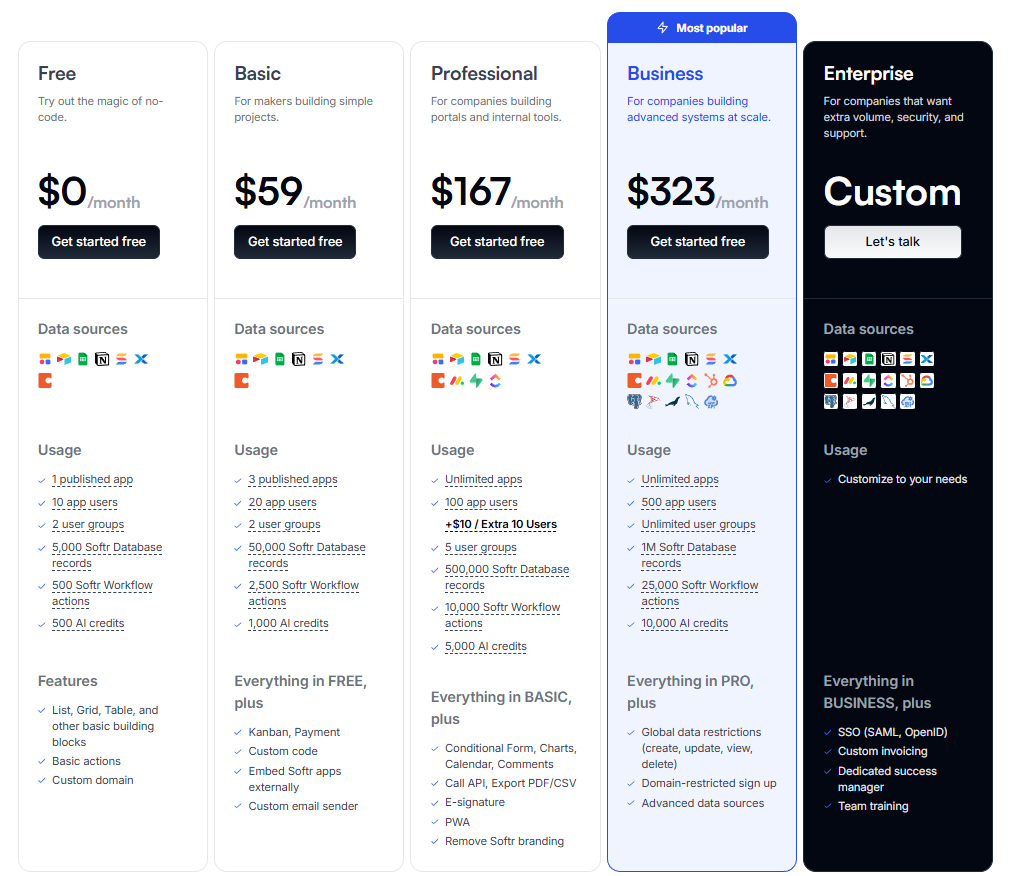
Softr uses a tiered subscription model, with pricing based on feature access, usage limits, and user scale.
Free and Entry-Level Plans
Lower tiers allow users to test the platform, build simple applications, and publish basic sites with branding and usage limits.
Paid Plans
Higher plans unlock:
-
Increased user limits
-
Advanced authentication features
-
More customization options
-
Priority support
Cost Considerations
Softr’s pricing scales primarily with usage and access control, not data volume. This makes it predictable for small teams but potentially more expensive as user counts grow.
As with most SaaS tools, pricing may change over time, so users should always verify current plans on the official website.
✅ Pros and ❌ Cons
Pros
-
Strong data-driven design philosophy
-
Easy to build functional web apps without code
-
Built-in authentication and permissions
-
Clean, professional UI output
-
Suitable for internal and external tools
Cons
-
Limited backend logic compared to full no-code platforms
-
Reliance on external data sources for complex workflows
-
Customization constraints for highly unique designs
-
Not ideal for logic-heavy applications
🎯 Who Is This Tool Best For?
Softr is best suited for:
-
Founders and startups building MVPs or internal tools
-
Operations teams creating dashboards and workflows
-
Agencies delivering client portals quickly
-
Non-technical teams working with structured data
Softr may not be ideal for:
-
Apps requiring complex backend logic
-
Highly custom UI interactions
-
Teams seeking a full replacement for traditional development
🔄 Softr vs Alternatives
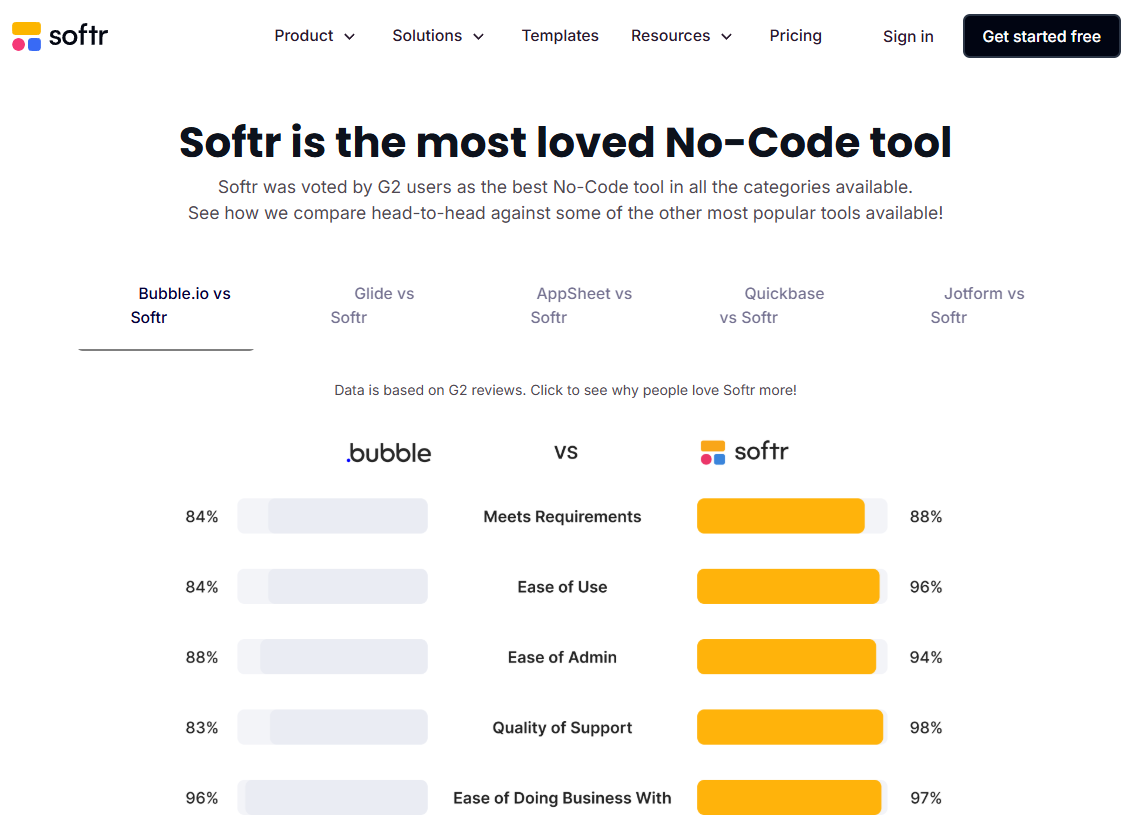
Softr operates in a competitive no-code landscape, but its positioning is distinct.
Compared to Website Builders
Traditional website builders focus on content presentation. Softr focuses on data interaction and user access, making it better suited for applications rather than marketing sites.
Compared to Full No-Code App Platforms
Some no-code tools offer deeper logic and automation. Softr trades that depth for speed, simplicity, and clarity, reducing the learning curve.
Trade-Off Summary
Softr is strongest when the goal is to present and manage structured data with controlled access. It is less suitable for applications that require heavy computation or custom logic.
🤔 Is Softr Worth It?
Softr is worth considering if your primary need is to turn data into a usable web interface quickly. Teams that value speed, maintainability, and simplicity over deep customization will benefit the most.
However, if your project requires complex workflows or logic beyond data display and input, Softr may need to be paired with other tools or replaced entirely.
🏁 Final Verdict
Softr has carved out a clear niche in the no-code ecosystem by focusing on data-driven web applications with built-in access control. It does not attempt to replace full-stack development, but it significantly lowers the barrier for teams that need functional, secure web apps without engineering resources.
For internal tools, client portals, and lightweight applications, Softr delivers a strong balance of usability and capability—provided its architectural constraints align with your project’s requirements.
FAQ
Does Softr require coding skills?
No. Softr is designed for users without programming experience.
Can Softr handle user authentication?
Yes, Softr includes built-in authentication and role-based access control.
Is Softr suitable for large-scale apps?
It works well for small to mid-scale applications but is not intended for highly complex systems.
Does Softr host the data?
No. Softr connects to external data sources rather than acting as the primary database.
Can Softr replace a custom web app?
In some cases, yes—particularly for internal tools and portals with straightforward logic.
🔗 Want to explore more unbiased software reviews?
You can find additional long-form, in-depth software reviews and comparisons on
Esapplication.com