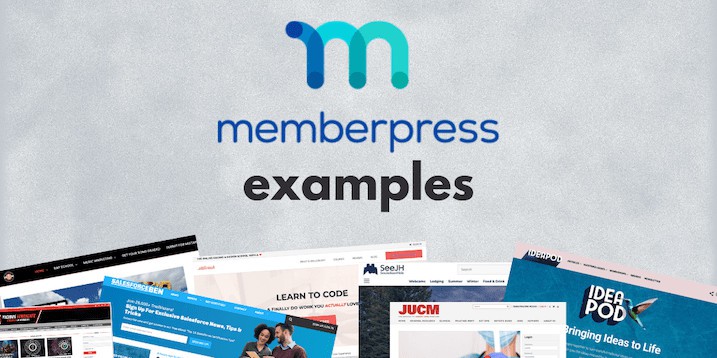
Looking for the best membership plugin for WordPress? Discover how MemberPress simplifies membership management, content restriction, and monetization with ease.
URL: https://esapplication.com/memberpress-review-2025/
Introduction
Creating a successful membership website requires a powerful and reliable plugin. Is one of the top choices for WordPress users who want to monetize their content through memberships, subscriptions, and gated content. In this MemberPress review, we will explore its features, pricing, benefits, and why it stands out from other membership plugins.
What is MemberPress?
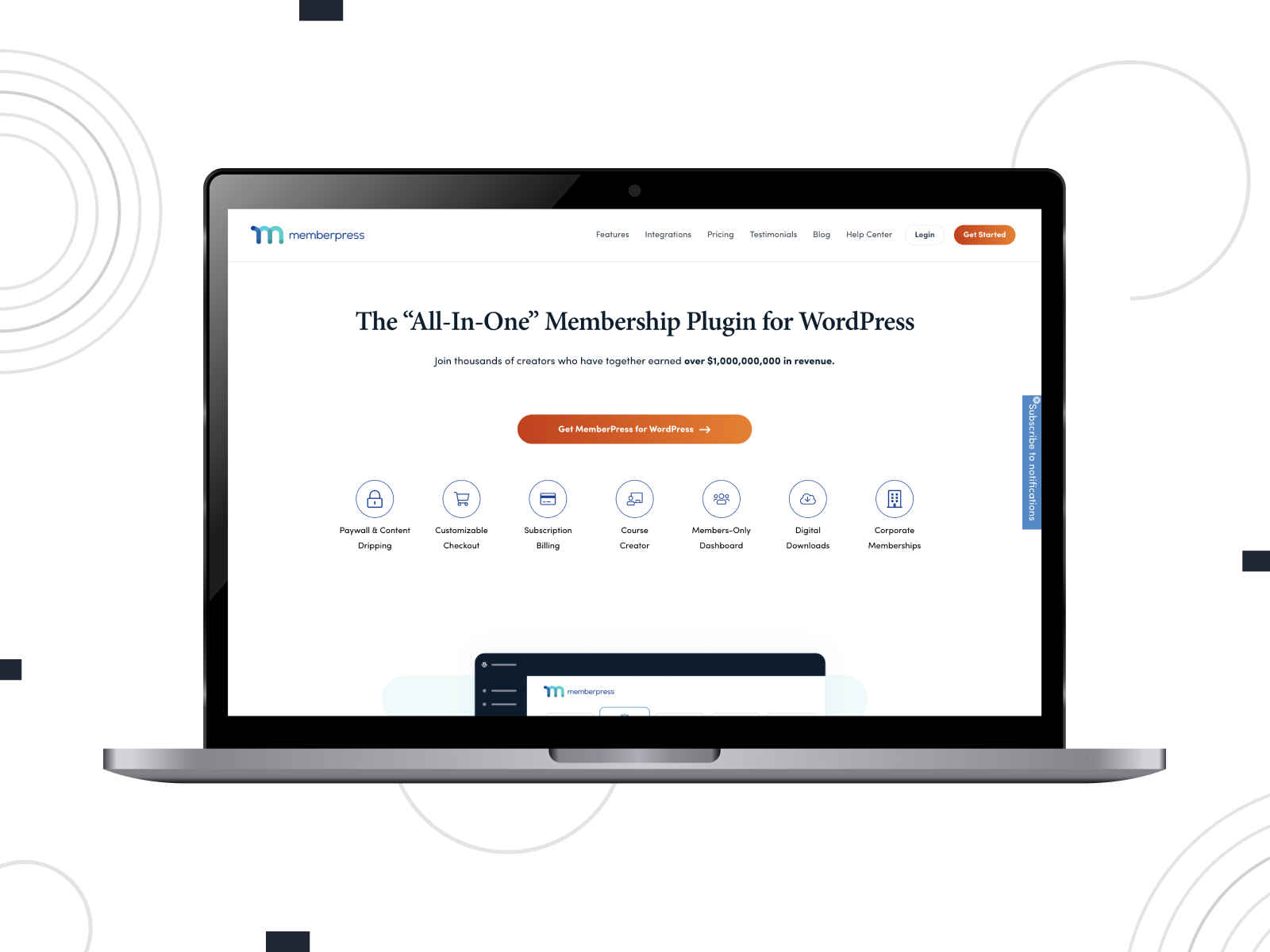
Is a premium WordPress membership plugin that enables website owners to create and manage membership sites with ease. With its robust feature set, it allows users to restrict content, set up subscription plans, and integrate seamlessly with third-party tools for payments, email marketing, and learning management systems.
Key Features
1. Easy Setup and User-Friendly Interface
One of the biggest advantages is its intuitive setup process. Users can install and configure the plugin within minutes without requiring technical expertise.
2. Content Restriction and Access Control
With MemberPress, you can restrict access to specific pages, posts, categories, or even custom post types. This feature is crucial for websites offering premium content, courses, or exclusive materials to paying members.
3. Subscription Management and Payment Integration
Seamlessly integrates with popular payment gateways like:
- PayPal
- Stripe
- Authorize.net This allows users to manage recurring payments, one-time purchases, and flexible billing options.
4. Drip Content Functionality
The drip content feature enables website owners to release content gradually over time, keeping members engaged and reducing churn.
5. Built-In Learning Management System (LMS) Integration
For those selling online courses, MemberPress integrates with LearnDash and other LMS platforms, allowing users to create and sell courses easily.
6. Coupon Codes and Discount Options
Users can create and manage discount coupons to attract new members and retain existing subscribers.
7. Detailed Reporting and Analytics
Provides in-depth reports on revenue, memberships, and engagement, helping website owners make informed business decisions.
How to Use MemberPress to Build a Membership Site
Step 1: Install and Activate MemberPress
After purchasing a license, download and install the plugin on your WordPress site.
Step 2: Configure Membership Settings
Customize membership levels, pricing plans, and user roles according to your business needs.
Step 3: Restrict Content
Use the built-in content restriction settings to limit access based on user membership levels.
Step 4: Set Up Payment Gateways
Connect to your preferred payment gateway for seamless transactions.
Step 5: Promote Your Membership Site
Leverage email marketing, SEO, and social media to attract potential members.
Pricing Plans

Offers three pricing tiers:
- Basic Plan – $179/year (suitable for one website)
- Plus Plan – $299/year (supports multiple sites and additional features)
- Pro Plan – $399/year (includes advanced integrations and tools)
Each plan includes priority support, unlimited memberships, and detailed analytics.
Pros and Cons
Pros:
✅ Easy to install and configure ✅ Powerful content restriction features ✅ Seamless integration with payment gateways ✅ Drip content functionality for increased engagement ✅ Excellent customer support
Cons:
❌ Higher pricing compared to some competitors ❌ Limited built-in design customization ❌ Requires third-party integrations for advanced features
How MemberPress Compares to Other Membership Plugins
MemberPress vs. Restrict Content Pro
While both plugins offer content restriction, MemberPress provides more advanced subscription management and LMS integration.
MemberPress vs. WooCommerce Memberships
WooCommerce Memberships is a great option for eCommerce-focused sites, but MemberPress excels in overall membership site management.
MemberPress vs. Paid Memberships Pro
Both plugins offer similar features, but MemberPress is considered more user-friendly with better reporting tools.
Who Should Use ?
Is perfect for:
- Content creators who want to monetize exclusive content
- Online course creators looking for LMS integration
- Businesses that offer subscription-based services
- Bloggers who want to build a membership community
Final Verdict: Is Worth It?
If you’re looking for a powerful, easy-to-use, and feature-rich membership plugin, MemberPress is one of the best options available. With its extensive content restriction capabilities, seamless payment integrations, and advanced analytics, it’s a solid investment for anyone looking to build a thriving membership site.
🚀 Ready to launch your membership site? Get started with today!