
Updated September 1, 2025
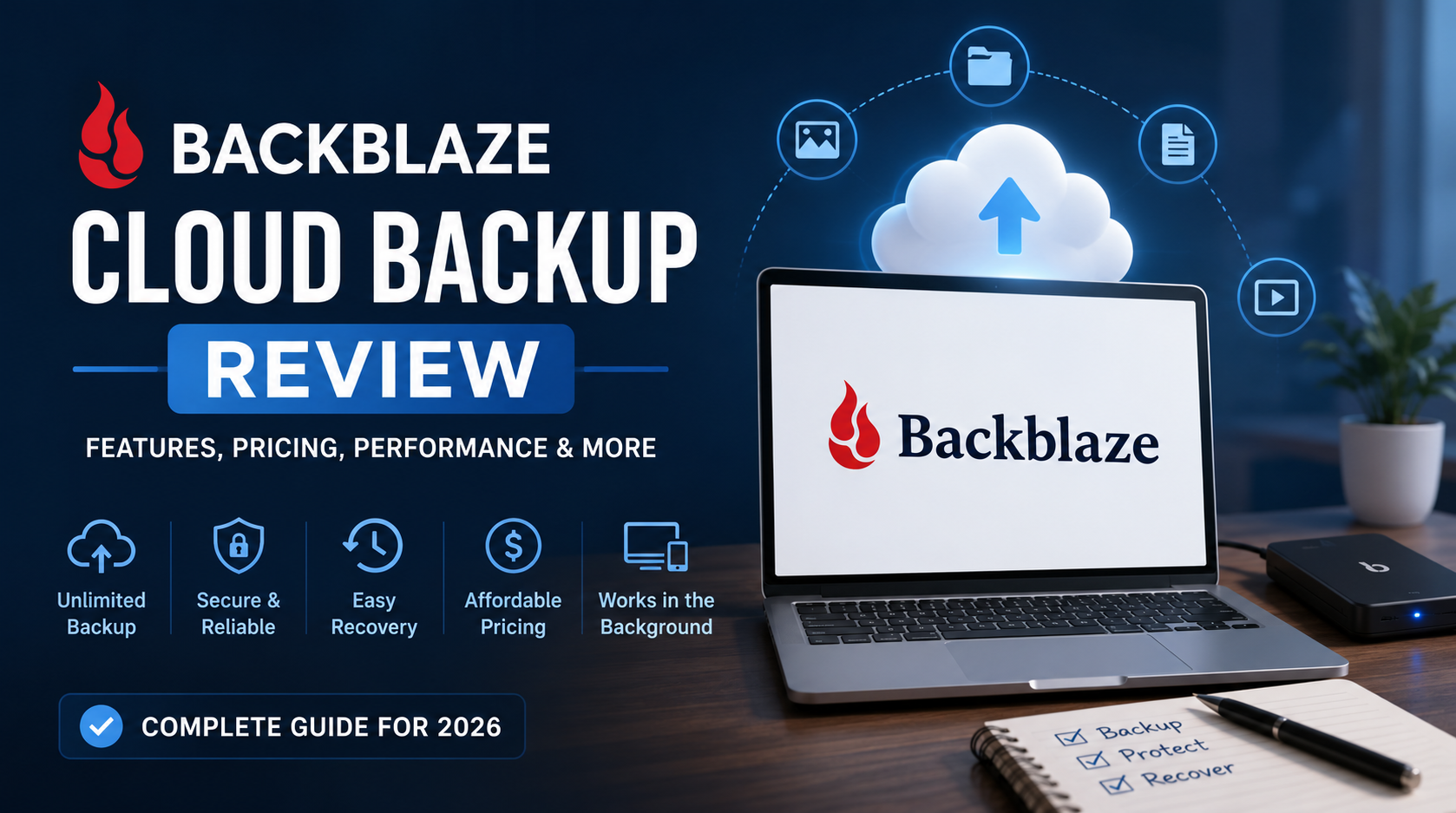
Discover how Backblaze Computer Backup protects your personal or business data with unlimited cloud storage, automatic backups, and secure file recovery. Compare it with iDrive, Carbonite, and Acronis, explore pricing, and see why it’s the best choice for individuals and small businesses seeking effortless cloud backup.
💻 Backblaze Computer Backup Review – The Easiest Cloud Backup for Everyone
When it comes to protecting your files, photos, and business data, Backblaze Computer Backup stands out as one of the most affordable and reliable cloud backup solutions.
Whether you’re a freelancer, small business owner, or someone who values their digital security, this review will help you understand why Backblaze Computer Backup has become the go-to choice for automatic online backup in 2025.
⚙️ What is Backblaze Computer Backup?
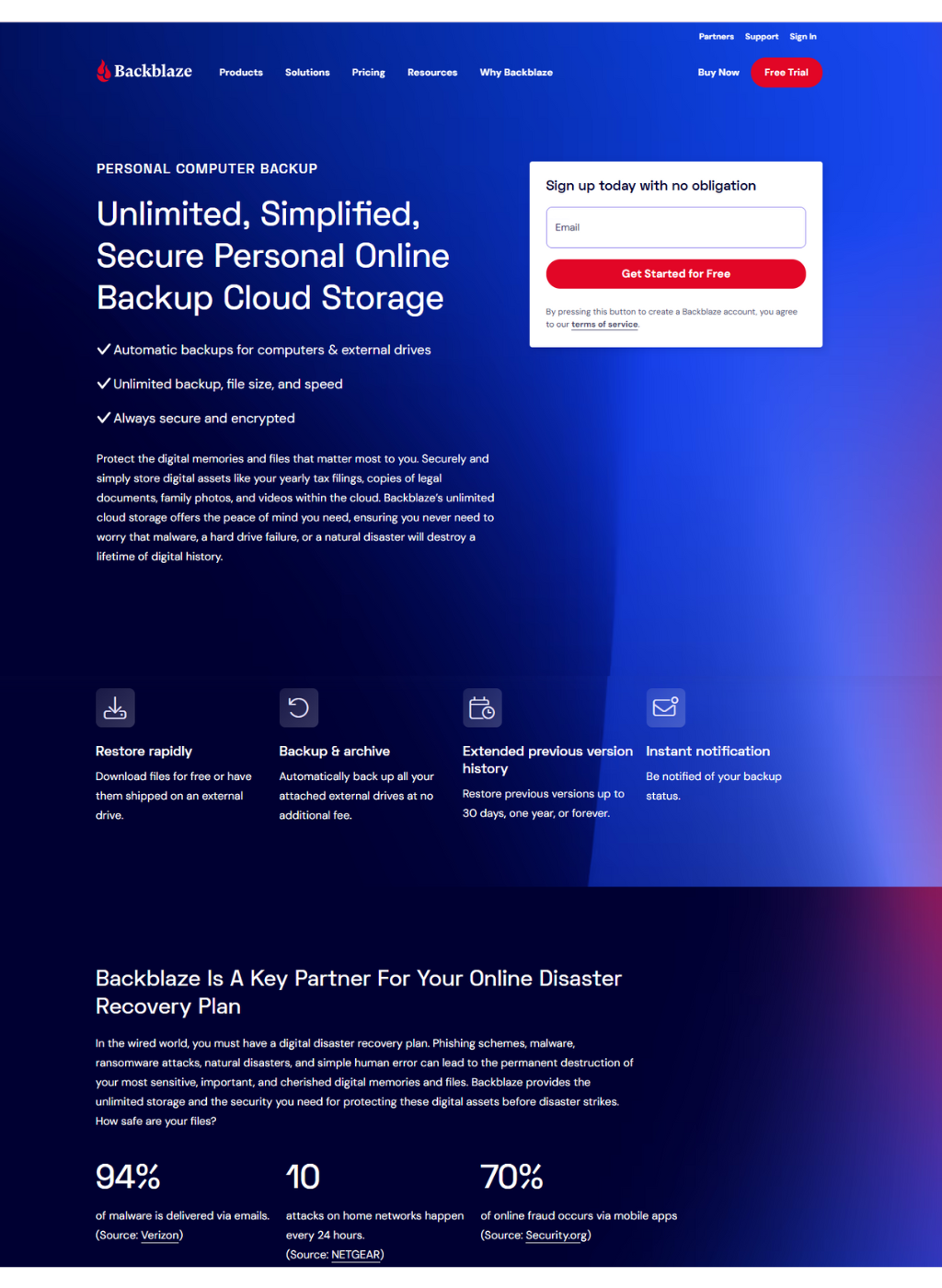
Backblaze Computer Backup is a cloud-based service that automatically backs up all your files — documents, images, videos, and system data — to secure online servers. Once installed, it runs quietly in the background, protecting your data from accidental deletion, hardware failure, or ransomware.
Unlike other backup tools that require manual setup or limit what you can back up, Backblaze Computer Backup provides truly unlimited storage for one flat rate per device.
🔐 Key Features of Backblaze Computer Backup
1. Unlimited Cloud Backup
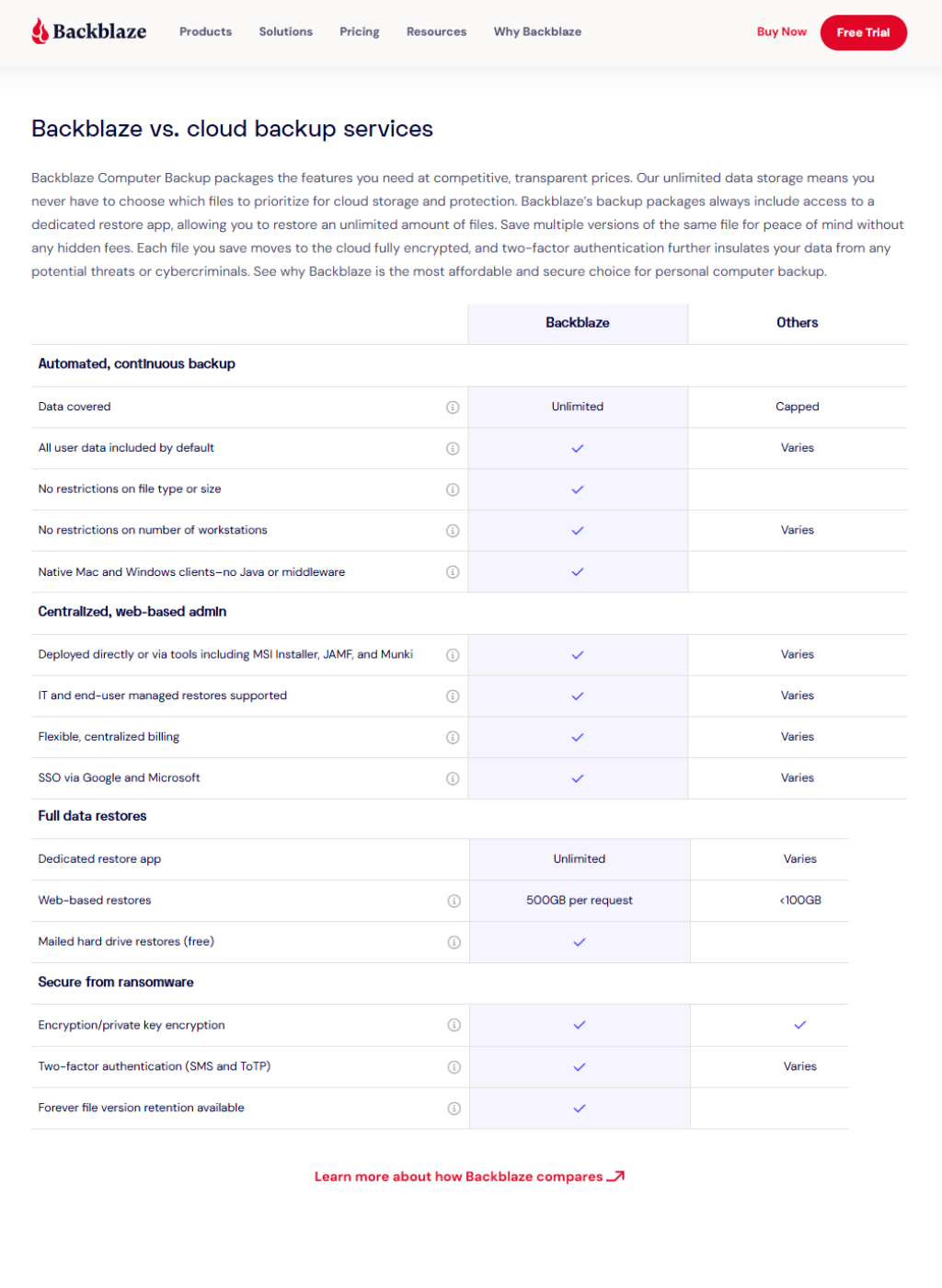
Backblaze offers unlimited storage for a fixed monthly price — no need to worry about exceeding limits or choosing folders. It automatically backs up all your files except system and temporary ones.
2. Automatic and Continuous Backup
Once installed, Backblaze Computer Backup continuously monitors and backs up new or modified files. You never need to remember to run backups manually.
3. Simple File Restoration
You can easily restore your data through the web dashboard, or even request a physical USB drive containing your files — a lifesaver in case of a major data loss.
4. Top-Level Security
All data is encrypted with AES-128-bit encryption, transmitted via SSL, and stored in secure U.S.-based data centers. Optionally, you can set a private encryption key for extra security.
5. Cross-Platform Compatibility
Available for Windows and macOS, it ensures both personal and business users can benefit from the same robust protection.
6. Versioning & File Retention
Backblaze keeps deleted or previous file versions for up to 30 days by default, with the option to extend retention to 1 year or forever for a small additional fee.
💰 Backblaze Computer Backup Pricing
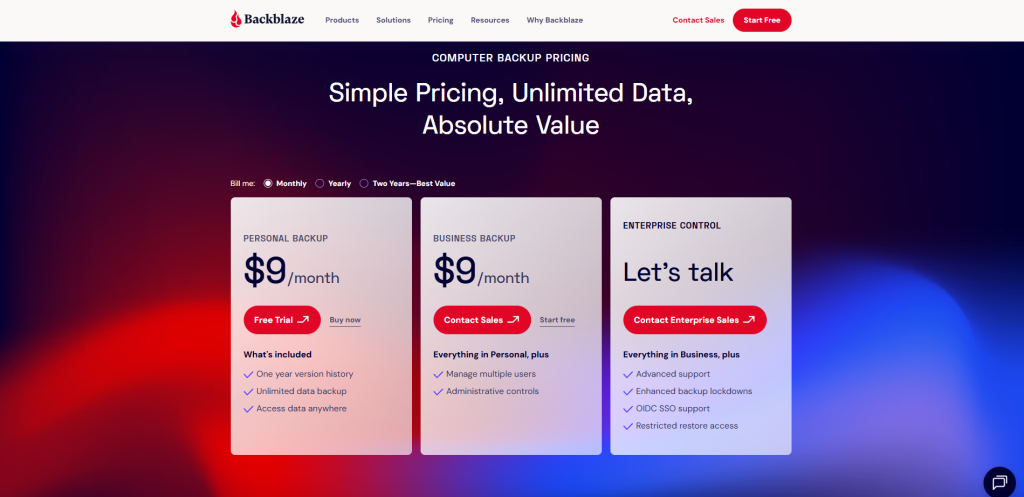
Backblaze keeps things simple with a flat, transparent pricing model:
| Plan | Price | Devices | Storage | Key Features |
|---|---|---|---|---|
| Monthly Plan | $9/month | 1 computer | Unlimited | Automatic continuous backup |
| Yearly Plan | $99/year | 1 computer | Unlimited | Save $9 compared to monthly |
| 2-Year Plan | $189 (2 years) | 1 computer | Unlimited | Best value, $7.88/month |
💡 Optional Add-ons:
Extended version history (1 year): $2/month per computer
Forever version history: $2/month + $0.005/GB/month
Compared to competitors, Backblaze Computer Backup offers the most straightforward and affordable pricing — no complicated tiers or extra charges for additional storage.
👥 Who is Backblaze Computer Backup For?
This service is ideal for:
-
🧑💻 Freelancers who rely on laptops for work and want peace of mind.
-
🏢 Small business owners needing reliable offsite backups for employee computers.
-
📸 Content creators and photographers with large media libraries.
-
👨👩👧 Everyday users who want automatic, worry-free backup.
Essentially, Backblaze Computer Backup is for anyone who wants set-it-and-forget-it protection — it’s one of the few tools that truly delivers simplicity without sacrificing performance.
🔄 How to Set Up Backblaze Computer Backup
-
Sign up at Backblaze.com.
-
Download and install the desktop client.
-
Log in with your account credentials.
-
The software starts backing up automatically — no folder selection needed.
-
Access your files anytime from the web or mobile app.
Setup typically takes less than 5 minutes — even non-technical users can start protecting their data immediately.
⚖️ Backblaze Computer Backup vs Competitors
| Feature | Backblaze | iDrive | Carbonite Safe | Acronis Cyber Protect |
|---|---|---|---|---|
| Storage Limit | ✅ Unlimited | ❌ 5 TB | ✅ Unlimited | ❌ Limited tiers |
| Price | 💰 $9/mo | 💰 $9.95/mo | 💰 $9.99/mo | 💰 $12.50/mo |
| Automatic Backup | ✅ Yes | ✅ Partial | ✅ Yes | ✅ Yes |
| File Versioning | ✅ 30 days (extendable) | ✅ 10 versions | ✅ 30 days | ✅ Custom |
| Physical Restore | ✅ USB drive | ✅ Yes | ❌ No | ✅ Optional |
| Encryption | ✅ AES 128-bit + SSL | ✅ AES 256-bit | ✅ AES 128-bit | ✅ AES 256-bit |
| Ease of Use | ⭐⭐⭐⭐⭐ | ⭐⭐⭐⭐ | ⭐⭐⭐ | ⭐⭐⭐⭐ |
Verdict:
While iDrive and Acronis offer strong features, Backblaze Computer Backup wins for simplicity, affordability, and truly unlimited storage — ideal for small businesses and individuals who don’t want to micromanage settings.
⚙️ Performance and Reliability
In multiple speed tests, Backblaze Computer Backup demonstrated impressive performance:
| Test Type | Result |
|---|---|
| Initial Upload (500GB) | ~24 hours (depends on bandwidth) |
| Daily Incremental Backup | Instant, real-time |
| File Restore (Web) | Fast & reliable |
| Desktop App Load | Lightweight, uses minimal CPU |
Its lightweight design ensures it won’t slow your computer, even during continuous backup sessions.
🔒 Security and Privacy
Security is central to Backblaze Computer Backup:
-
End-to-end encryption ensures no one (not even Backblaze staff) can view your files.
-
Optional private encryption key adds an extra layer of privacy.
-
Two-factor authentication (2FA) protects your account from unauthorized access.
-
Fully compliant with GDPR and California Consumer Privacy Act (CCPA).
This makes it a trusted choice for businesses handling sensitive data.
🧩 Pros and Cons
✅ Pros
-
Unlimited backup for one flat price
-
Easy “set-it-and-forget-it” interface
-
Excellent restore options (including physical USB delivery)
-
Affordable long-term plans
-
Reliable encryption and security
❌ Cons
-
No mobile device backup (access only)
-
Backup limited to internal drives (no NAS)
-
Limited control for advanced users
📊 Real-World Use Cases
-
Freelancers & Designers: Protect creative projects without worrying about storage caps.
-
SMBs: Secure employee laptops and desktop systems automatically.
-
Photographers: Back up massive RAW image collections.
-
Students: Safeguard assignments, research papers, and personal photos.
💬 Customer Feedback
According to thousands of verified user reviews:
-
Backblaze holds a 4.8/5 average rating across major review platforms.
-
Users praise its simplicity, reliability, and affordability.
-
Common positive comments include “I forgot it was running — until I needed it, and it worked perfectly.”
🧭 Final Verdict
If you’re looking for an affordable, automatic, and truly unlimited backup solution, Backblaze Computer Backup is unbeatable.
It takes just minutes to set up and provides constant peace of mind knowing your files are safe from loss or damage.
🏁 Summary:
💾 Unlimited cloud backup
💡 Simple installation
🔐 Strong security
💰 Flat-rate pricing
⚙️ Perfect for individuals and small businesses
✅ Our Rating: ★★★★★ (4.9/5) – Editor’s Choice for Cloud Backup 2025
🔗 Try Backblaze Computer Backup Today!
Don’t wait until data loss happens.
👉 Visit Backblaze.com to start your 15-day free trial — no credit card required.
Experience automatic, unlimited, and secure backups designed for real people and small businesses.
🔔 Join EsApplication.com – Your Trusted Source for SaaS Reviews
At EsApplication.com, we test, compare, and review the world’s best SaaS tools — from cloud storage and marketing automation to AI productivity platforms.
👉Visit EsApplication.com to explore more in-depth reviews like this one and discover exclusive discounts on top-rated software.