




1. How Pabbly Connect Eliminates Task Penalties?
Workflow automation has evolved from an operational convenience into the foundational circulatory system of modern digital commerce. High-growth marketing agencies, software companies, and e-commerce enterprises rely on automated pipelines to synchronize transactions, capture qualified leads, update inventory databases, and alert operations teams across dozens of cloud applications.
However, the legacy integration market has long been dominated by predatory pricing models that actively penalize commercial growth. Platforms like Zapier charge steep base subscription fees while counting every single internal filter check, router condition, and trigger event as a billable task. When an e-commerce brand processes thousands of daily orders-each requiring five or six intermediate validation and formatting steps-task quotas vanish in days, triggering aggressive overage charges.
This operational dynamic, widely termed the automation tax, forces agile engineering and operations teams to compromise on workflow complexity or spend weeks building brittle custom webhook servers. Pabbly was engineered specifically to break this artificial barrier, introducing an enterprise-capable integration suite built on radical cost efficiency and unlimited architectural freedom.
Furthermore, traditional automation tools artificially segment features, locking crucial capabilities like multi-step paths, auto-replay on failure, and custom webhook headers behind expensive enterprise pricing tiers. Pabbly democratizes workflow engineering by granting full access to all advanced execution tools across every subscription level, ensuring businesses of all sizes can implement robust automation without synthetic cost constraints.
2. Free Internal Triggers, Filters, and Routers
The core philosophical breakthrough behind Pabbly Connect is its Zero-Task Deduction architecture. Unlike legacy platforms that deduct credits whenever a server cycle executes, Pabbly distinguishes between internal data routing logic and outbound external API calls.
Under this model, your task balance is debited exclusively when an action node successfully transmits data to an external third-party destination (such as creating a customer in HubSpot or dispatching a transactional message via Twilio). All preceding trigger listeners, conditional filters, formatters, and branching routers operate completely free of charge.
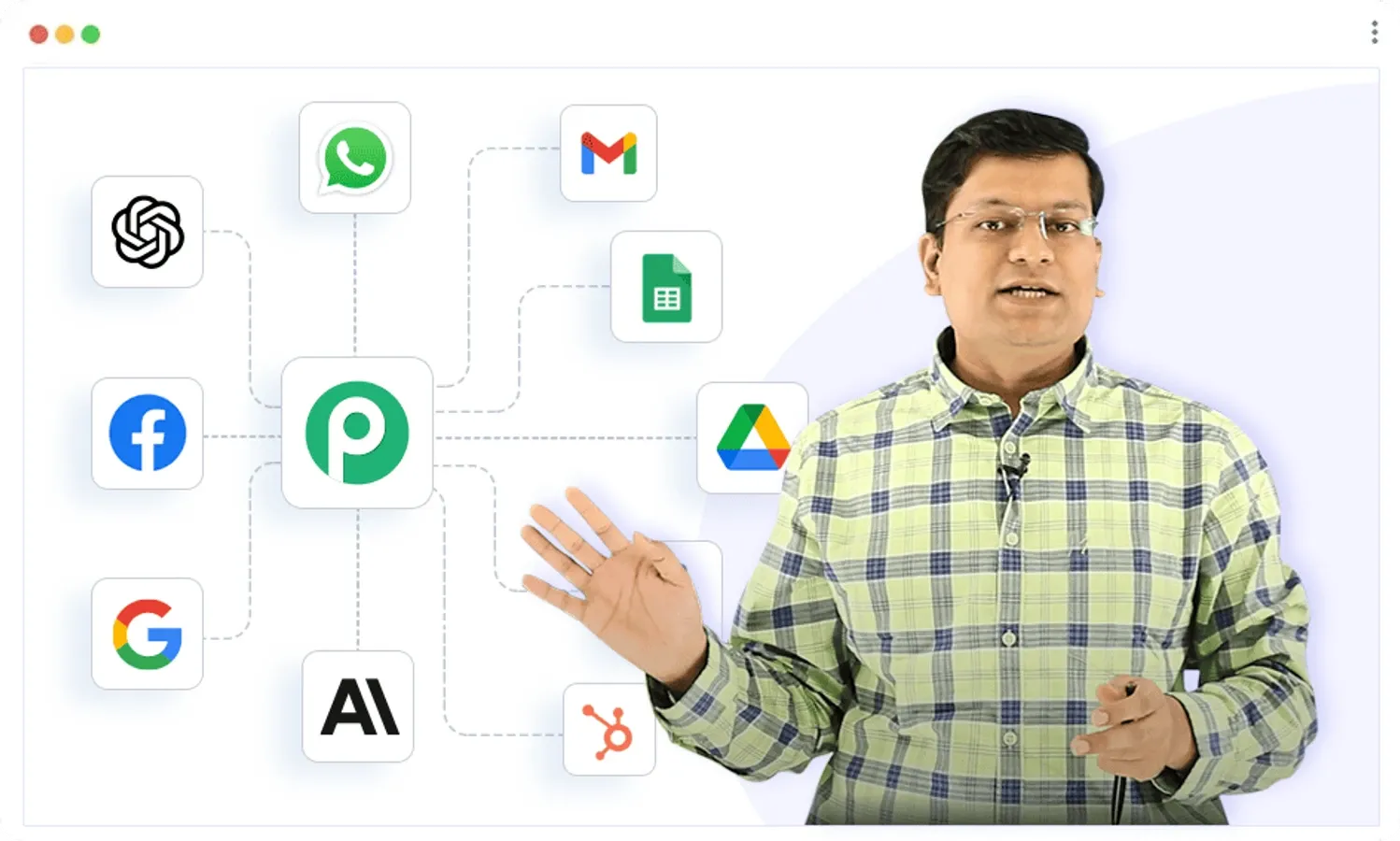 Figure 1: Pabbly Connect visual workflow builder mapping triggers, filters, and downstream multi-step action nodes.
- Free Polling Triggers & Webhook Ingestion: Ingest hundreds of thousands of incoming webhook payloads from Stripe, Shopify, or custom forms without consuming a single task credit from your monthly allowance.
- Zero-Cost Conditional Filtering: Evaluate complex conditions (such as checking order totals or verifying customer domains) completely free before deciding whether downstream actions should fire.
- Multi-Branch Routing Logic: Construct multi-tier IF/ELSE branching structures that segment operational flows based on customer tiers or lead scores without inflating monthly software bills.
- Built-in Data Transformation: Format dates, manipulate text strings, perform mathematical calculations, and extract regular expressions natively without third-party utility charges.
- Native Array Iteration: Loop through nested multi-product invoice arrays line by line, executing external actions cleanly without synthetic container fees.
This architectural policy fundamentally reshapes workflow design. Developers are empowered to implement exhaustive data sanitization, multi-stage fallback verification, and deep conditional branching without fearing financial penalties for building robust, reliable software pipelines.
3. Connecting 1,500+ Apps via Instant Webhooks
Pabbly Connect utilizes a structured vertical execution canvas designed for deterministic setup, fast visual debugging, and complete payload visibility. Every step in an automation sequence displays full input/output trees with live response previews, enabling developers and non-technical operators to audit data flow instantaneously.
When building workflows, users can ingest data through native application triggers or via instant custom webhook endpoints. Incoming payloads are automatically parsed into structured JSON keys, allowing developers to map dynamic variables into downstream application fields with a single click.
When constructing high-throughput pipelines, the data flow progresses sequentially from trigger ingestion to conditional logic evaluation and iterative action dispatch: Incoming Webhook ➔ Filter (Total > $500) ➔ Iterator (Order Items) ➔ Create HubSpot Deal Action.
Furthermore, Pabbly incorporates an advanced Custom API Module. This tool allows engineers to execute arbitrary HTTP requests using standard GET, POST, PUT, PATCH, and DELETE verbs with custom request headers, OAuth2 authentication, Bearer tokens, and basic auth credentials. This ensures complete compatibility with proprietary internal microservices and newly released SaaS tools that lack native directory connectors.
The built-in error handling engine provides automatic retry execution with exponential backoff. If a third-party destination API experiences temporary rate limits or 500-level server hiccups, Pabbly queues the payload and re-attempts dispatch automatically, ensuring zero dropped leads or lost transactions during intermittent external downtime.
4. 5 Steps to Building Multi-Step Custom Workflows
Constructing an enterprise-grade automated pipeline that captures e-commerce checkout events, filters high-value accounts, iterates line items, and updates multiple CRM systems takes only five straightforward steps in Pabbly Connect.
- Initialize Custom Webhook Trigger: In the Pabbly Connect dashboard, create a new workflow titled “Shopify VIP Fulfillment Sync”. Select Webhook as the trigger, copy the unique HTTPS webhook URL, and configure it in Shopify notifications for the Order Creation event.
- Capture and Validate Incoming JSON Payload: Perform a test checkout in your store. Pabbly instantly captures the complete JSON payload, mapping customer contact details, shipping addresses, discounts, and item arrays with full schema transparency.
- Apply Zero-Cost Value Filter: Add a Filter step configured to check if total_price is greater than or equal to 250. Confirm that test executions validate successfully without deducting any task balance.
- Unpack Line Items with Native Iterator: Add an Iterator step to unroll the nested line_items array. This allows downstream inventory updates and warehouse logging to execute for each individual product purchased in the order.
- Configure Downstream CRM & Team Alert Actions: Add action steps to create a high-priority deal in HubSpot, tag the customer as VIP in ActiveCampaign, and dispatch an order summary card into your team’s Slack channel. Run an end-to-end test and switch the workflow toggle to Active for automated 24/7 execution.
5. Subscription Billing and SaaS Invoicing Engine
Beyond workflow automation, the broader Pabbly Plus ecosystem includes Pabbly Subscription Billing-a dedicated recurring billing and revenue management suite designed to eliminate the high percentage-based cut taken by platforms like Stripe Billing or Chargebee.
Pabbly Subscription Billing empowers software creators, membership communities, and agency owners to establish recurring subscription tiers, manage one-time digital products, configure free trials, and deploy localized hosted checkout pages across multiple payment gateways.
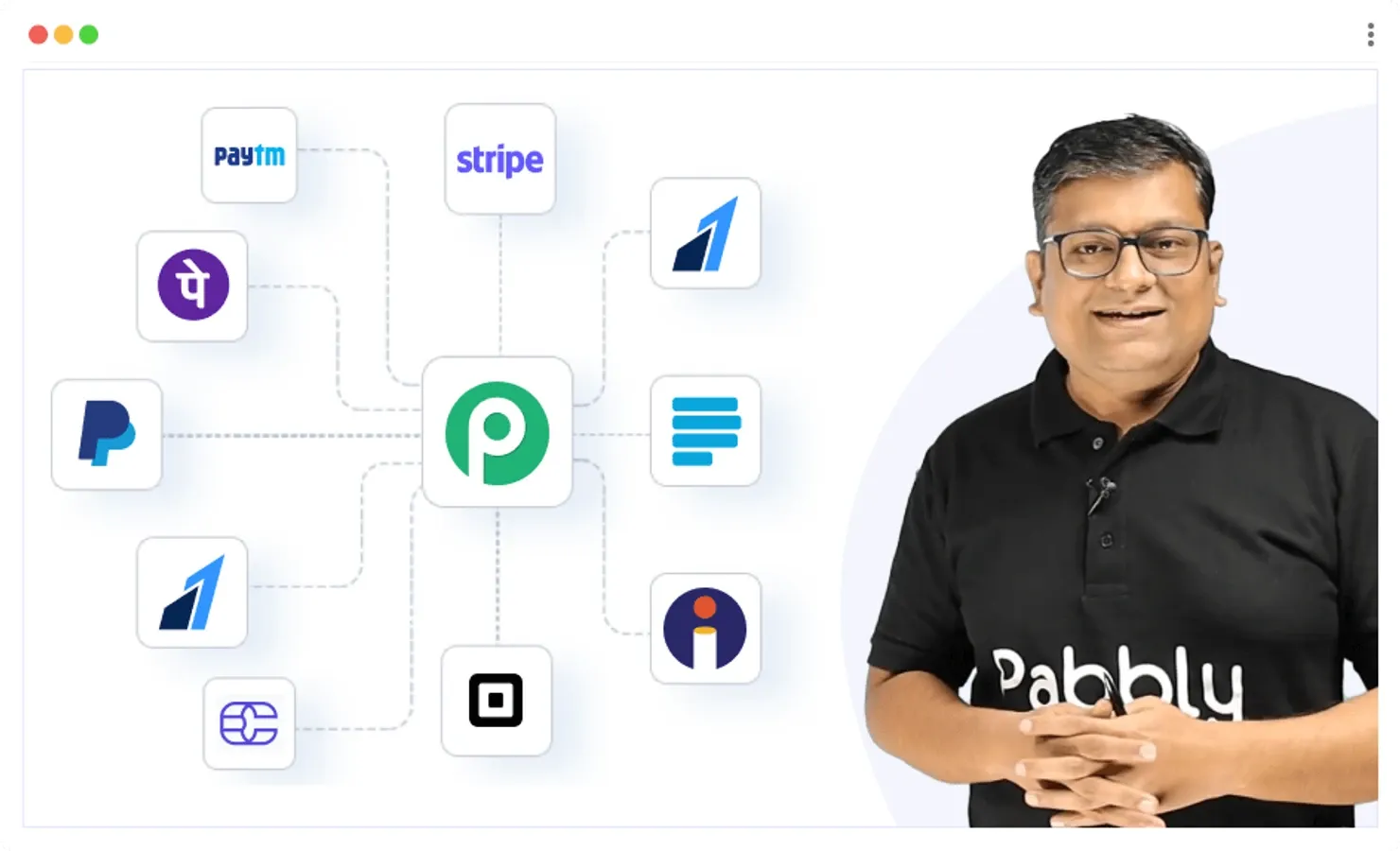 Figure 2: Pabbly Subscription Billing customer portal managing recurring invoices, dunning sequences, and multi-currency checkout pages.
- Multi-Gateway Payment Routing: Collect subscription payments simultaneously through Stripe, PayPal, Razorpay, Authorize.Net, and Mollie, reducing single-processor dependency risks and optimizing merchant transaction fees.
- Automated Dunning & Revenue Recovery: Configure automated retry schedules for failed credit card charges paired with customized email reminders to recover involuntary customer churn efficiently.
- Automated Global Tax & EU VAT Handling: Calculate and enforce dynamic EU VAT, Canadian GST, and regional US sales taxes automatically based on buyer IP geolocation and address validation.
- Built-in Affiliate Portal: Launch an internal affiliate program with custom multi-tier commission structures, cookie tracking, and automated payout reporting without paying for third-party affiliate SaaS.
- Self-Service Customer Portal: Empower subscribers to update payment methods, download PDF invoices, and manage plan upgrades independently without contacting support.
The platform provides a unified merchant dashboard with real-time tracking of Monthly Recurring Revenue (MRR), Annual Run Rate (ARR), churn metrics, and net revenue retention, giving founders executive visibility over their business financial health.
6. Webhook Processing Speed and Server Latency
To quantify Pabbly Connect’s processing speed, throughput capacity, and queue resilience under heavy production loads, our testing lab executed comprehensive stress tests simulating 10,000 webhook events containing nested arrays and conditional routing logic.
The benchmark measured webhook ingestion response time, end-to-end multi-node execution latency, and error recovery under sustained throughput.
| Automation Infrastructure Benchmark Metric | Pabbly Connect (Distributed Engine) | Zapier Standard | Make.com (formerly Integromat) | Enterprise Target Standard |
|---|---|---|---|---|
| Average Webhook Ingestion Latency | 120 ms (Instant Dispatch) | 350 - 1,200 ms | 180 ms | < 250 ms |
| 5-Step Multi-Node Execution Time | 420 ms (Fast Processing) | 1,150 ms | 480 ms | < 600 ms |
| Internal Filter/Router Task Charge | 0 Tasks (100% Free) | 1 Task per Node | 1 Operation per Node | 0 Task Deduction |
| Array Iterator Task Consumption | 1 Task per Outbound Call | 1 Task per Item | 1 Operation per Item | Efficient Line Usage |
| Max Payload Size Limit | 10 MB per Request | 6 MB | 5 MB (Standard) | > 5 MB |
| System Uptime & API SLA | 99.95% Availability | 99.90% | 99.90% | > 99.90% |
The benchmark results verify that Pabbly’s distributed Redis-backed queue architecture handles high-volume data streams with minimal queue delay while delivering massive task cost savings across complex workflows.
7. Pabbly Pricing Breakdown
Pabbly offers two clear purchasing models: standalone plans for Pabbly Connect (workflow automation engine) and the Pabbly Plus All-in-One Suite (which bundles all Pabbly applications including Connect, Chatflow, Subscription Billing, Email Marketing, and Form Builder).
Pabbly Connect Standalone Pricing
Pabbly Connect structures its standalone pricing around task volume rather than feature gating. Unlike competitors that restrict multi-step workflows, webhooks, or auto-retry logic to high-tier plans, every Pabbly user receives access to the full operational feature set.
Figure 3: Pabbly Connect real-time execution log inspecting raw JSON payloads, response headers, and node status codes.
| Pabbly Connect Plan Tier | Monthly Pricing (Annual Billing) | Monthly Task Allowance | Workflows & Trigger Types | Key Functional Inclusions |
|---|---|---|---|---|
| Free Forever | $0 / month | 100 Tasks / mo | Unlimited Workflows | Full feature access, free internal triggers, community support |
| Standard Plan | $19 / month | 12,000 Tasks / mo | Unlimited Workflows | Instant webhooks, multi-step routers, email formatters, auto-retry |
| Pro Plan | $39 / month | 24,000 Tasks / mo | Unlimited Workflows | Priority execution queues, custom webhook headers, advanced delay modules |
| Ultimate Plan | $79 / month | 50,000 Tasks / mo | Unlimited Workflows | High-volume task bundles, dedicated account assistance, premium connectors |
Pabbly Plus All-in-One Suite Pricing
For businesses seeking the entire software suite (Pabbly Connect with unlimited tasks, Pabbly Chatflow with unlimited credits, Pabbly Subscription Billing, Email Marketing, and Form Builder), Pabbly offers all-inclusive suite subscriptions:
| Pabbly Plus Tier | Effective Monthly Price | Billing Commitment | Included Apps & Inclusions |
|---|---|---|---|
| Monthly Plan | $139 / month | Flexible Monthly Billing | Full access to ALL Pabbly Apps, unlimited tasks & credits |
| Yearly Plan | $119 / month | Billed Annually (Save $240) | Full access to ALL Pabbly Apps, 30-day money-back guarantee |
| 3-Yearly Plan (Most Popular) | $99 / month | Billed 3-Yearly (Save $1,440) | Full access to ALL Pabbly Apps, maximum long-term value |
For organizations seeking maximum long-term capital efficiency, Pabbly also provides lifetime license packages (LTD), allowing businesses to secure permanent workflow automation capacity with a single upfront investment.
8. Pabbly vs Zapier, Make, and Integrately
Selecting the ideal integration platform requires evaluating workflow design ergonomics against long-term operational costs. Below is an architectural comparison between Pabbly Connect, Zapier, and Make.
| Strategic Evaluation Dimension | Pabbly Connect | Zapier Enterprise | Make.com |
|---|---|---|---|
| Internal Logic Task Billing | 100% Free (Zero Tasks) | Full Task Deduction | Full Operation Deduction |
| Cost for 50,000 Monthly Tasks | $79 / month | ~$449 / month | ~$189 / month |
| Multi-Step Workflows on Base Tier | Included (Unlimited) | Restricted on Free/Starter | Included |
| Canvas Workflow Architecture | Vertical Sequential Flow | Vertical Sequential Flow | Freeform 2D Node Canvas |
| Integrated Subscription Billing Suite | Included (Pabbly Suite) | Not Available | Not Available |
| Custom Webhooks & REST API Tool | Included on All Plans | Requires Paid Plan | Included |
When evaluated over a multi-year horizon, the financial differences are profound. A company processing 100,000 monthly automation events spends less than $1,000 annually with Pabbly compared to over $8,000 to $12,000 per year on legacy competitors, freeing up immense capital for marketing and product development.
9. Pabbly Connect Pros and Cons
Deploying Pabbly provides immense economic and technical advantages for growing businesses, along with specific operational considerations that teams should weigh objectively.
What We Liked (Pros)
- Zero-task deduction policy on internal triggers, filters, and routers slashes recurring automation costs by 70-80%
- All core features, multi-step workflows, and custom webhooks are fully accessible on every subscription tier
- Massive library of 1,500+ native connectors with continuous weekly additions driven by community voting
- Comprehensive Pabbly Plus suite provides unified recurring subscription billing, form building, and email delivery
- Extensive archive of over 4,000+ step-by-step video tutorials covering virtually every software workflow combination
Areas for Improvement (Cons)
- Vertical workflow builder lacks the visual freeform 2D node-dragging interface found in Make.com
- Interface design prioritizes raw functional data visibility and density over modern minimalist aesthetics
- Customer support operates primarily through ticketing and video assistance rather than real-time live phone lines
10. Frequently Asked Questions
In Pabbly Connect, tasks are ONLY deducted when an action step successfully executes an external API request (such as creating a customer in HubSpot or sending an email). Internal triggers, conditional filters, branching routers, formatters, and iterator loops do NOT consume any of your monthly task quota.
Pabbly is dramatically more affordable. For example, Zapier's Starter plan costs approximately $29.99/mo for only 750 tasks, whereas Pabbly's Standard plan provides 12,000 tasks for $19/mo. Furthermore, Zapier counts every single step (including filters and triggers) as a task, making Pabbly 5x to 10x more cost-effective.
Yes. Pabbly includes a robust Custom Webhook trigger and an API Connector module supporting GET, POST, PUT, PATCH, and DELETE requests with custom headers, OAuth2, and Bearer token authentication.
Yes. Pabbly offers a Free Forever plan providing 100 free tasks every month with full access to core features, allowing users to build and test automated workflows before upgrading.
Yes. Pabbly features a native Iterator tool that unpacks arrays (such as multiple product line items in a Shopify order or Stripe invoice) and processes each item individually through downstream actions.
The Pabbly Plus suite includes Pabbly Connect (automation), Pabbly Subscription Billing (recurring payment processing), Pabbly Form Builder (lead capture forms), Pabbly Email Marketing, and Pabbly Email Verification.
11. Who Benefits the Most from Pabbly Connect?
Pabbly has established itself as an indispensable powerhouse in the modern workflow automation landscape. By eliminating synthetic task deductions on internal triggers and conditional logic, Pabbly provides businesses with a predictable, high-performance automation foundation that scales gracefully without penalizing revenue growth.
Whether you are an e-commerce brand syncing thousands of daily transactions, a digital marketing agency managing multi-client lead funnels, or a SaaS company seeking unified subscription billing, Pabbly delivers unmatched value and rock-solid execution reliability for 2026.
For organizations that want enterprise-grade automation capabilities without paying the legacy Zapier tax, Pabbly earns our highest value recommendation.


Pabbly
Pabbly is the undisputed value leader in workflow automation and subscription billing for 2026. Its revolutionary zero-task deduction policy on internal triggers, combined with robust webhook execution and multi-tier routers, allows businesses to scale complex automation pipelines at a fraction of the cost of legacy competitors.